RECORDING
All recorded data is watermarked to ensure that it is not tampered with. Using the software
supplied the legitimacy of this data can be verified.
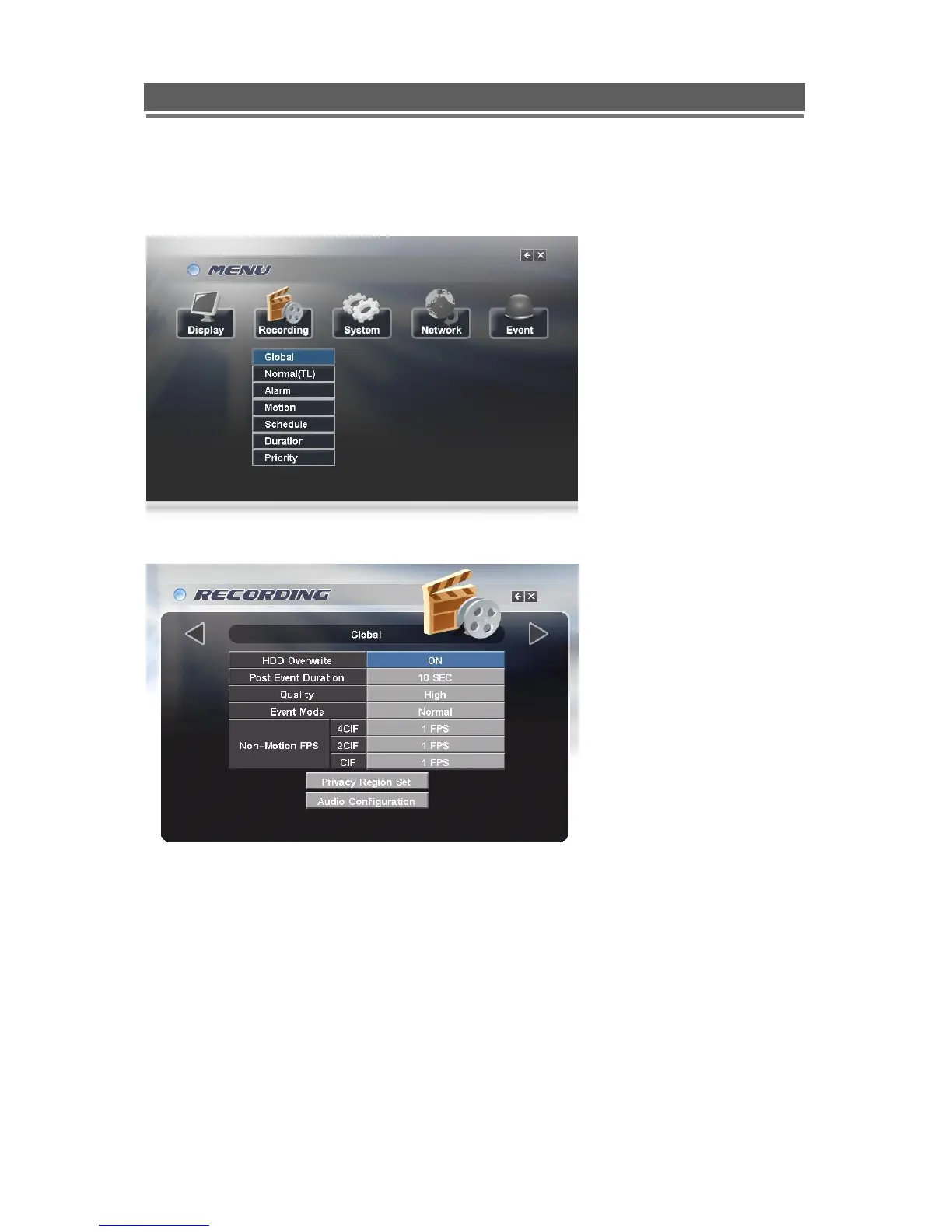
Global
HDD Overwrite
Generally this should be set to on to ensure that the DVR does not stop recording when the
hard drives are full.
Post Event Duration
This is the time after which an event or alarm clears that the system continues recording for
in the event or alarm mode.
Quality
The amount of compression applied to the recording can be changed between Best, Good
and Standard.



 To Next Page