MENU Settings
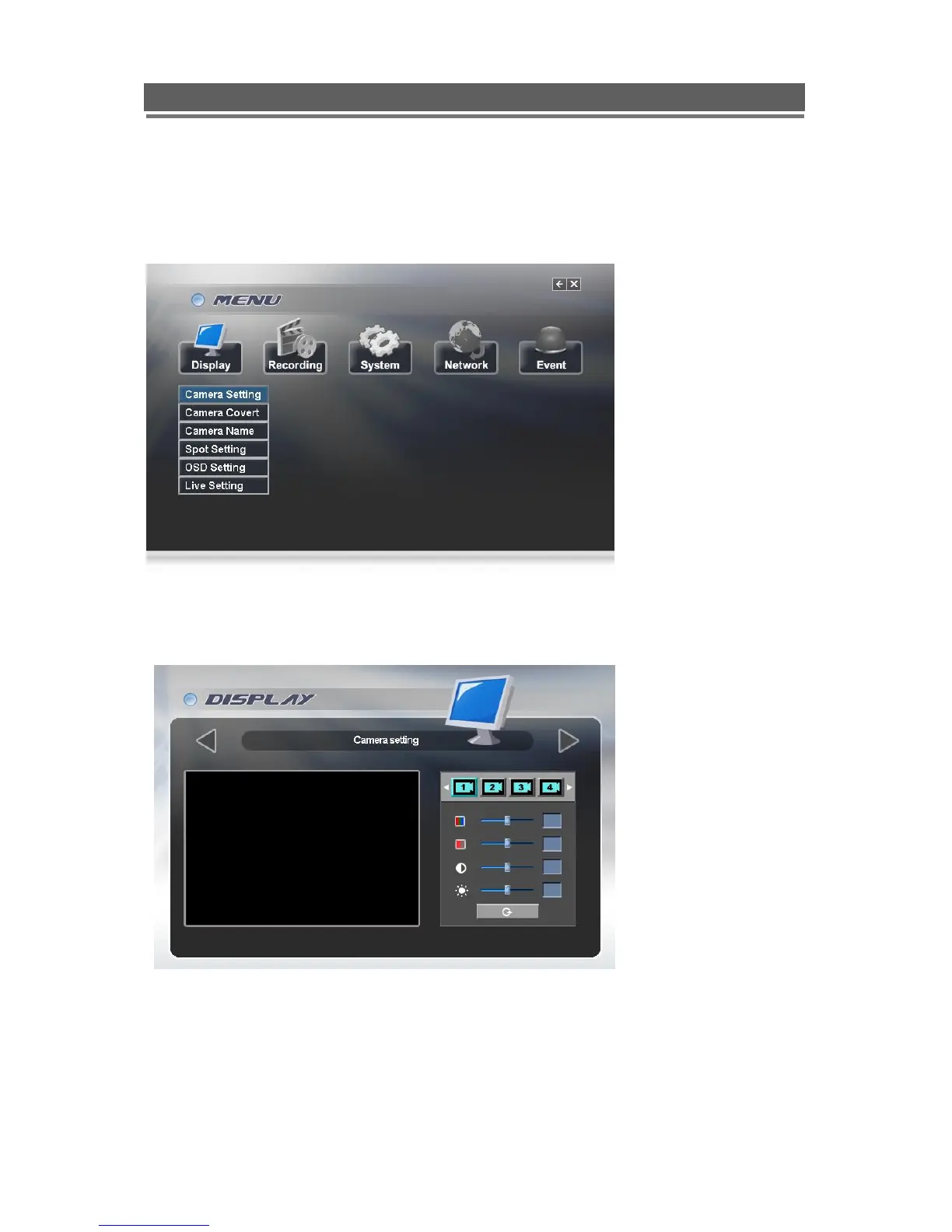
Main menu page
DISPLAY
Camera Setting: Brightness, Saturation, Contrast, Hue and default
The picture displayed from each camera can be individually adjusted to balance the multi
screen view.
Use UP() / DOWN() keys to select the cell to be altered, then press select to turn the box
green, then use the numeric keys to change the values.
Alternatively use the mouse to select the cell, the on screen keyboard will appear select the
value and click OK



 To Next Page