Mouse control
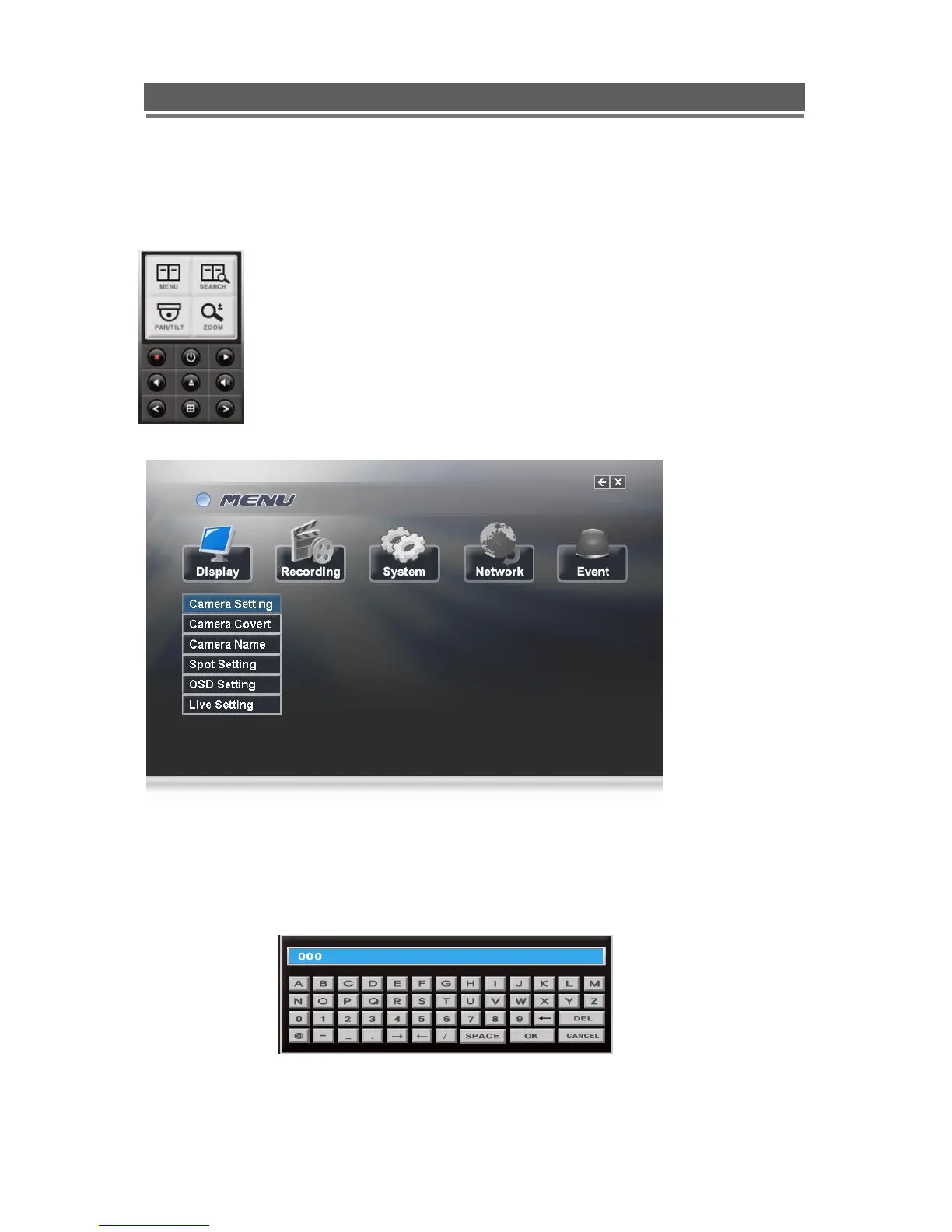
Left clicking the mouse brings up the following display, from this right click on the menu icon
to display the password box, use the mouse to select the user name and enter the password.
Note: This display is also used to select Search mode, Turn on the telemetry
mode.
If Menu has been selected the following screen will be displayed.
Select Sub menus by clicking on the relevant title.
The method of altering t he value of a segment within a menu page will vary slightly
depending on the page:
1. Clicking on a segment will toggle through available values
2. Click on icon at top of list will change all channel values
3. Click on the box and the following keyboard will be displayed:
Use the keyboard to fill in titles etc, followed by OK to enter the value.



 To Next Page