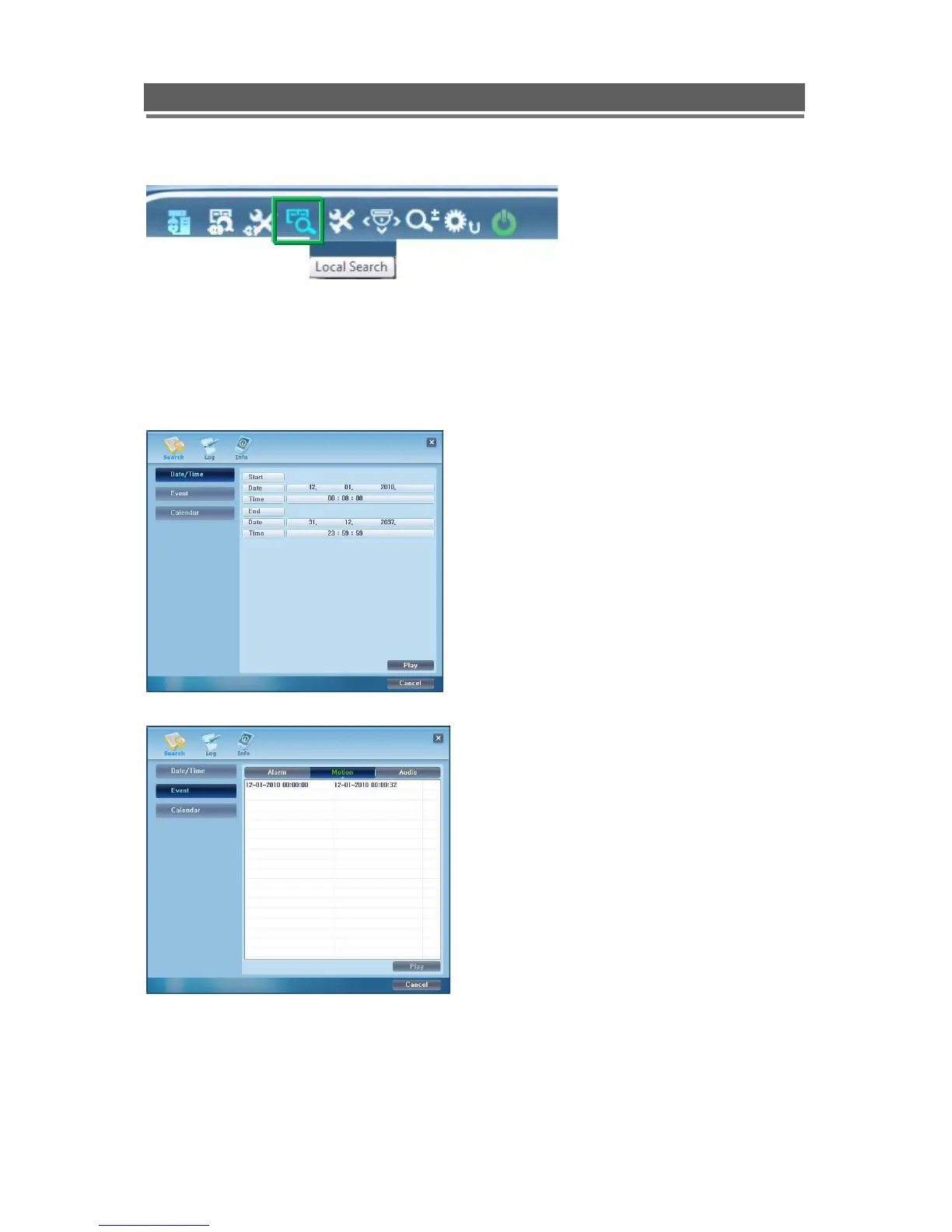
Local Search (viewing downloaded footage)
This allows playback of video which has been downloaded top the PC.
Search
Searches can be done by Date/Time, Even and Calendar.
Date/Time
Event
Choose the Event search box then choose
the type of Event you are searching for,
options are: Alarms, Motion or Audio.
Once the selection is made, a list will appear,
showing the start and stop time and date of
the event. Choose the Event required and
click Play.



 To Next Page