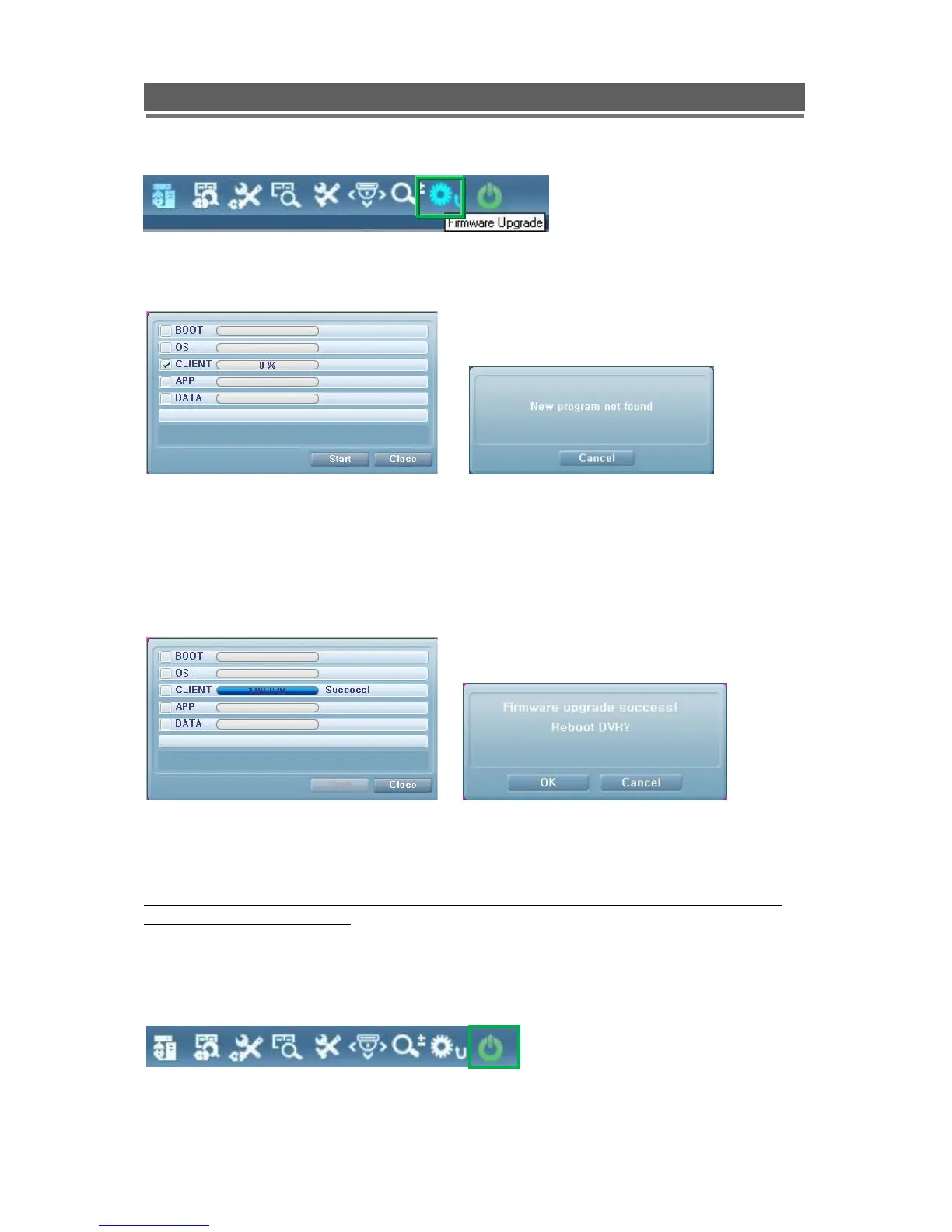
Firmware Upgrade
User can select Firmware Upgrade menu, if a new version of firmaware exits in the
C:/Vista/Upgrade folder ,then the message „New program found!‟ will be displayed if there is
no file then „New program not found!‟ message will be displayed.
To proceed with upgrading press the OK button and select each firmware files to upgrade it
to the system, by ticking the boxes.
Once the upgrade has been completed the following message will appear.
Next press the OK button to reboot the DVR, the firmware will only be applied completely
once the system is rebooted.
Quit (Exiting Client program)
To exit the Client viewer program click the Quit button.



 To Next Page