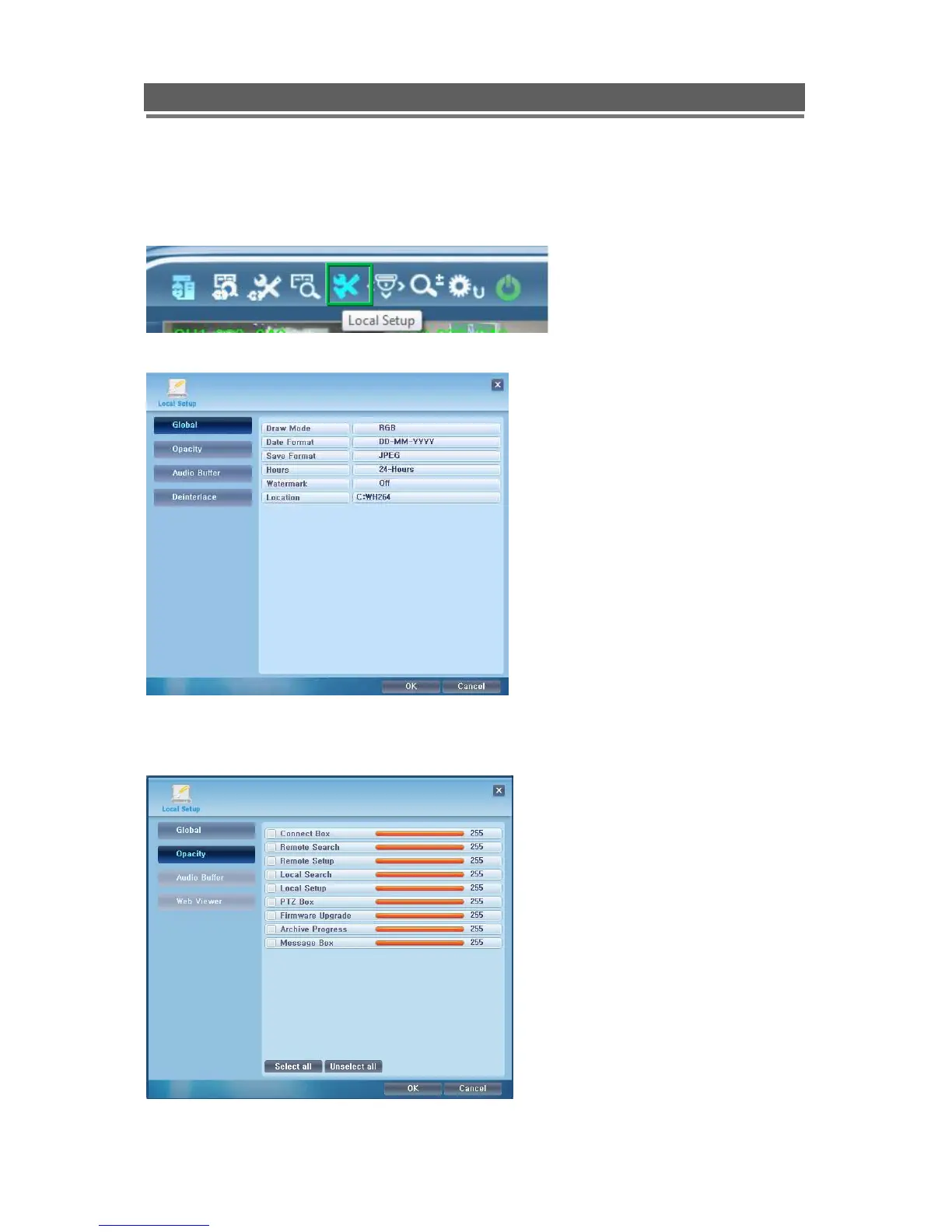
This screen allows the following:
Draw mode to be set to YUV or RGB
Date Format to be set to: DD/MM/YYY,
MM/DD/YYYY or YYYY/MM/DD.
Save Format, for the saving of stills as
either JPEG, Bit Map or TIF.
Setting the clock to 12 or 24 hour
display
Turning the Watermark On or OFF
recommended to leave ON
The location of where stills afre saved.
The opacity or “boldness” of the OSD
can be individually set per function.
The lower the number the more see
through the box.
?



 To Next Page