CD/DVD Media. When a memory stick is connected to the USB port, this symbol
will be shown in the status bar of the screen.
Enter “menu”-> “System Set”-> “Program Update”. If the system recognizes the new
firmware then, “New program found” will be displayed on the screen.
Next press the “SELECT” button.
Processing percentage will be displayed.
NOTE.
1. If the system doesn‟t recognize the new firmware, “New program not found” will be
displayed.
2. USB compatibility has been tested successfully with: Lexar Jumpdrive 128/256MB,
Sandisk Mini Cruzer & Cruzer Micro 2GB, KINGSTONE 2GB, A-DATA 2GB, IMATION 2GB,
SANDISK 1GB, SANDISK 512MB, MARUZEN 1GB
3. For system stability, please turn off 1) recording 2) playback 3) network connection during
upgrading.
4. After updating program, reboot the DVR. The simplest way is press POWER button and
enter the password.
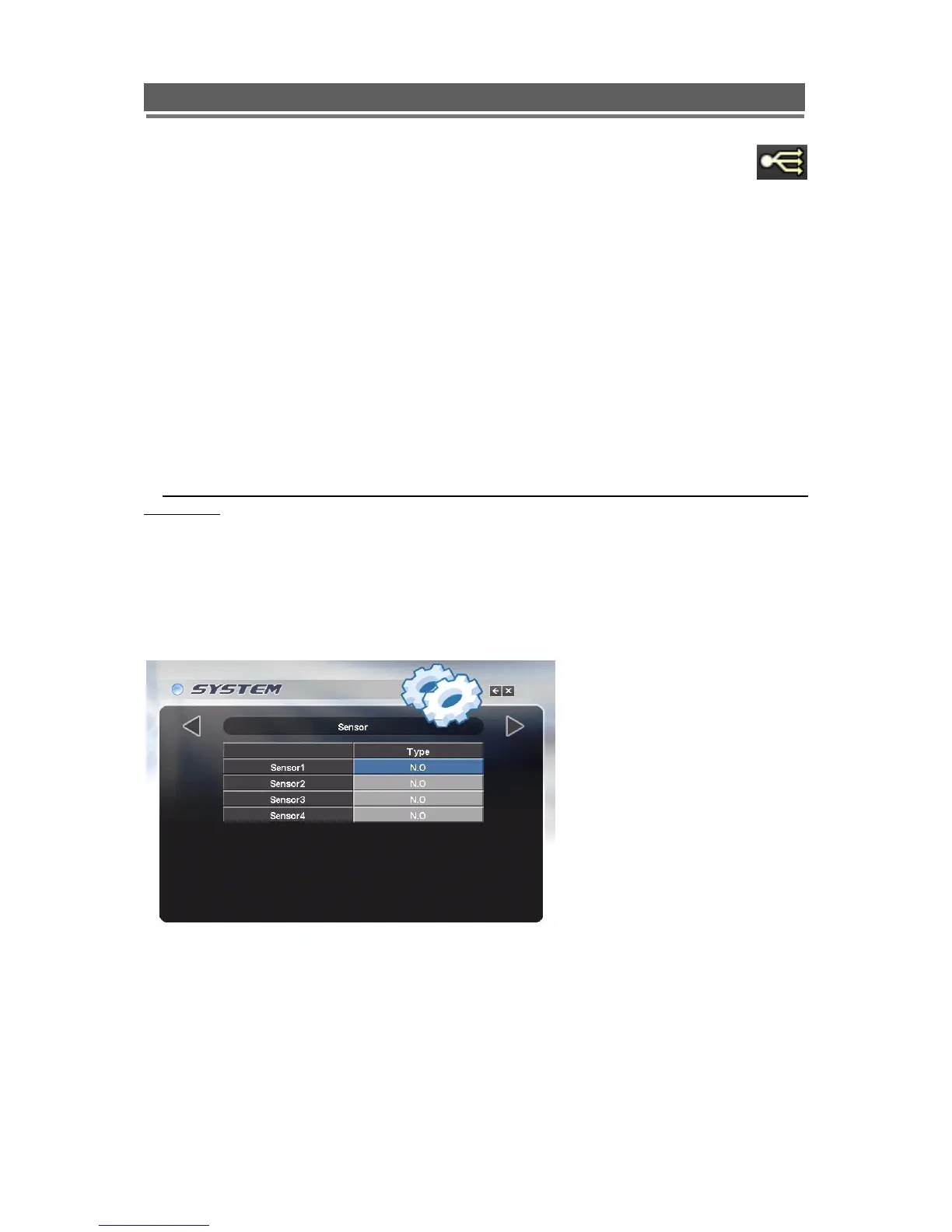
Sensor
The 4 alarm inputs on the rear of the Quantum can be configured to be normally open (N.O),
normally closed (N.C) or None.
For details on the alarm connections please refer to page 12 of this manual.



 To Next Page