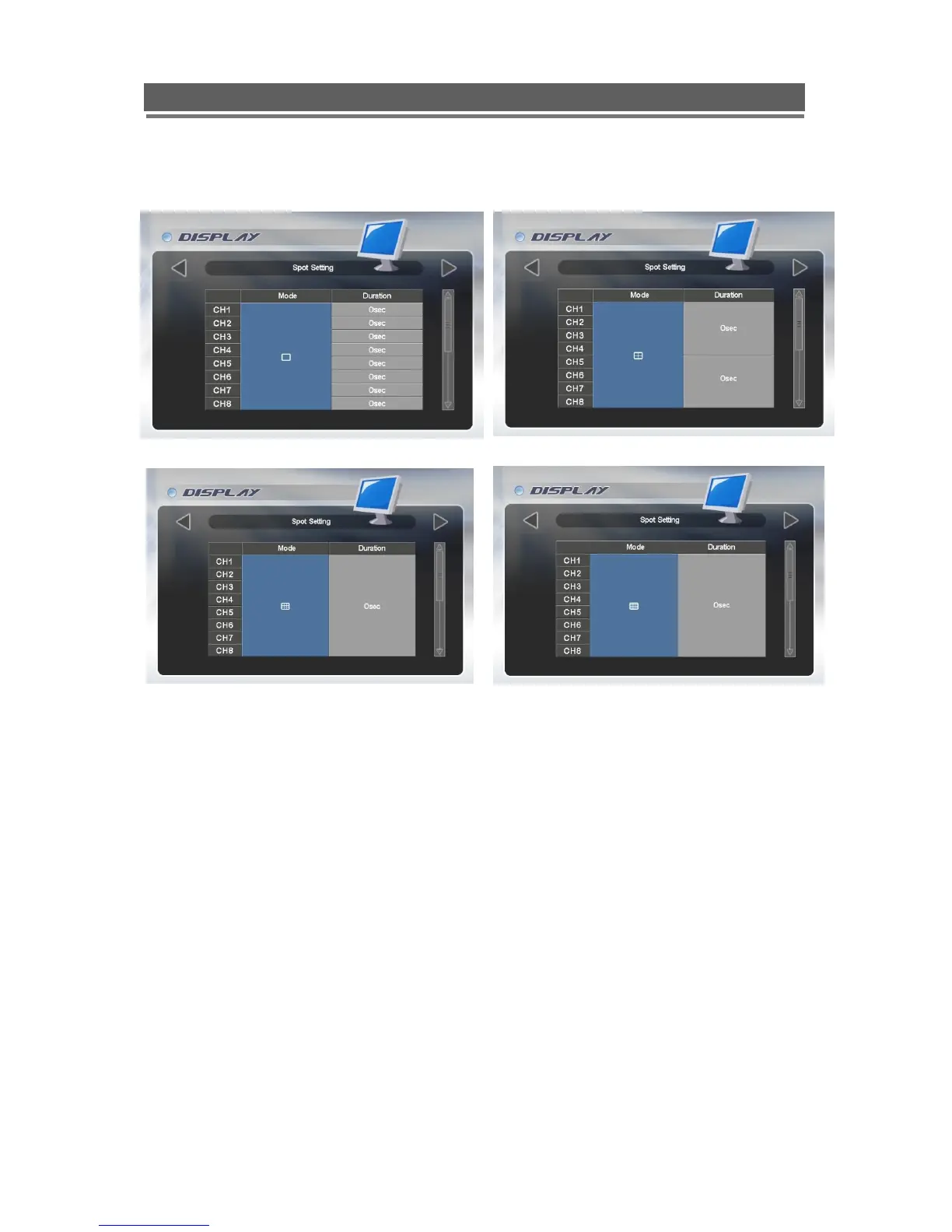
Spot Setting
<Single Screen> <Quad Screen>
<9 Channel Divisions> <16 Channel Divisions>
Spot output is used to configure the second monitor output. The Spot monitor can respond to
Motion or can be configured for full or multi-screen sequences.
Use the Select key to turn the Mode box from Blue to Green, use the up and down arrows to
select the mode between multi-screen options; Motion.
Once the mode has been selected, you can select either a duration or On/Off option (Mode
dependant). Use the Select button to turn the box from blue to green then use the Up and
Down keys to alter value. Press select to turn back to blue.
Alternatively, use the mouse to select mode by repeatedly clicking in the Mode box. Then
select the duration or On/off for each channel.



 To Next Page