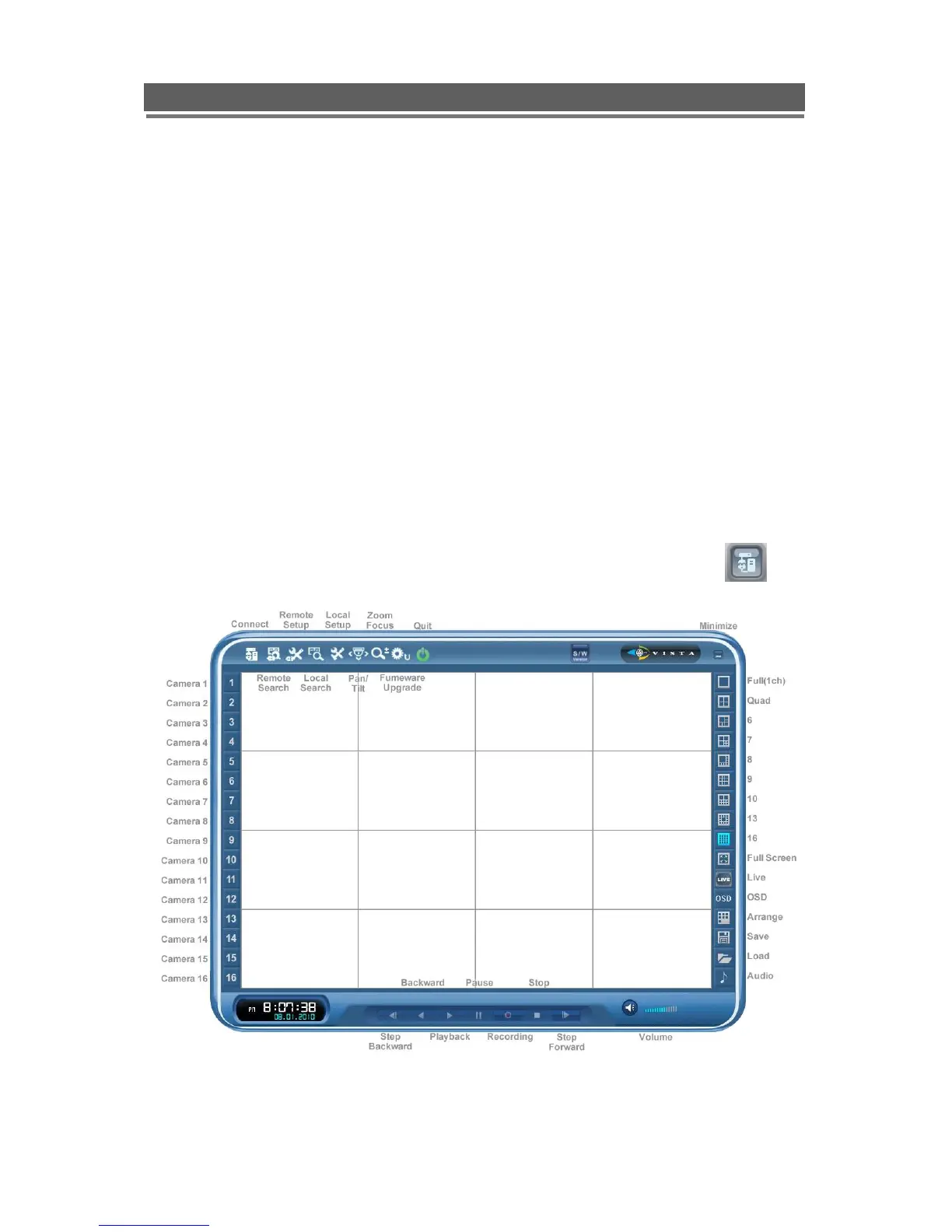
Client Viewer software
Each Quantum comes with license free viewer software to view the Quantum across a
network.
To be able to do this the recommended minimum specification for the PC is as follows:
Minimum PC specification
> CPU: Core 2 Duo 1.8GHz,
> Graphic Memory: 256MB
Installing software
When you put Quantum Network installation CD into your PC, it will auto run and lead you
through an installation wizard. Follow the instructions. Once the software is loaded it will
automatically run.
Connection
To connect to the Unit, open the Viewer Software and click the connection button,



 To Next Page