MENU Navigation
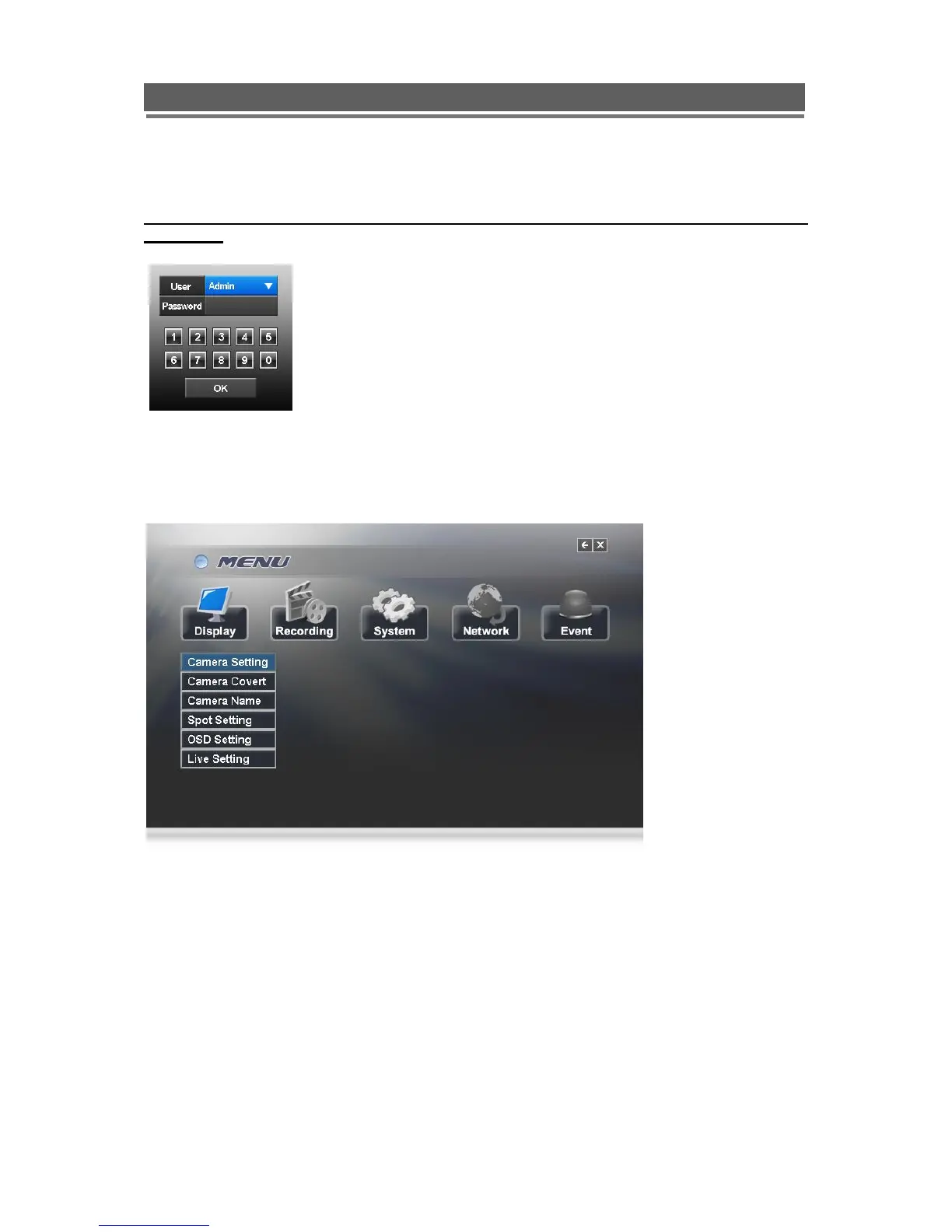
To enter the set-up menus, the user has to have the required access rights and be
logged on (see page 19) press the Menu button or right click with mouse on screen and
select the menu icon. The following screen will be displayed.
Front Panel or IR remote control
First select the user name by pressing select key and using the up and down key.
Next, enter the password (default password is 00000000 – 8 zeros). Use the numerical
buttons. The following menu page will be displayed.
All menus are navigated using the left / Right / Up / Down and the Select button.
To step back out of the menus press MENU button



 To Next Page