SEARCHING VIDEO FOOTAGE
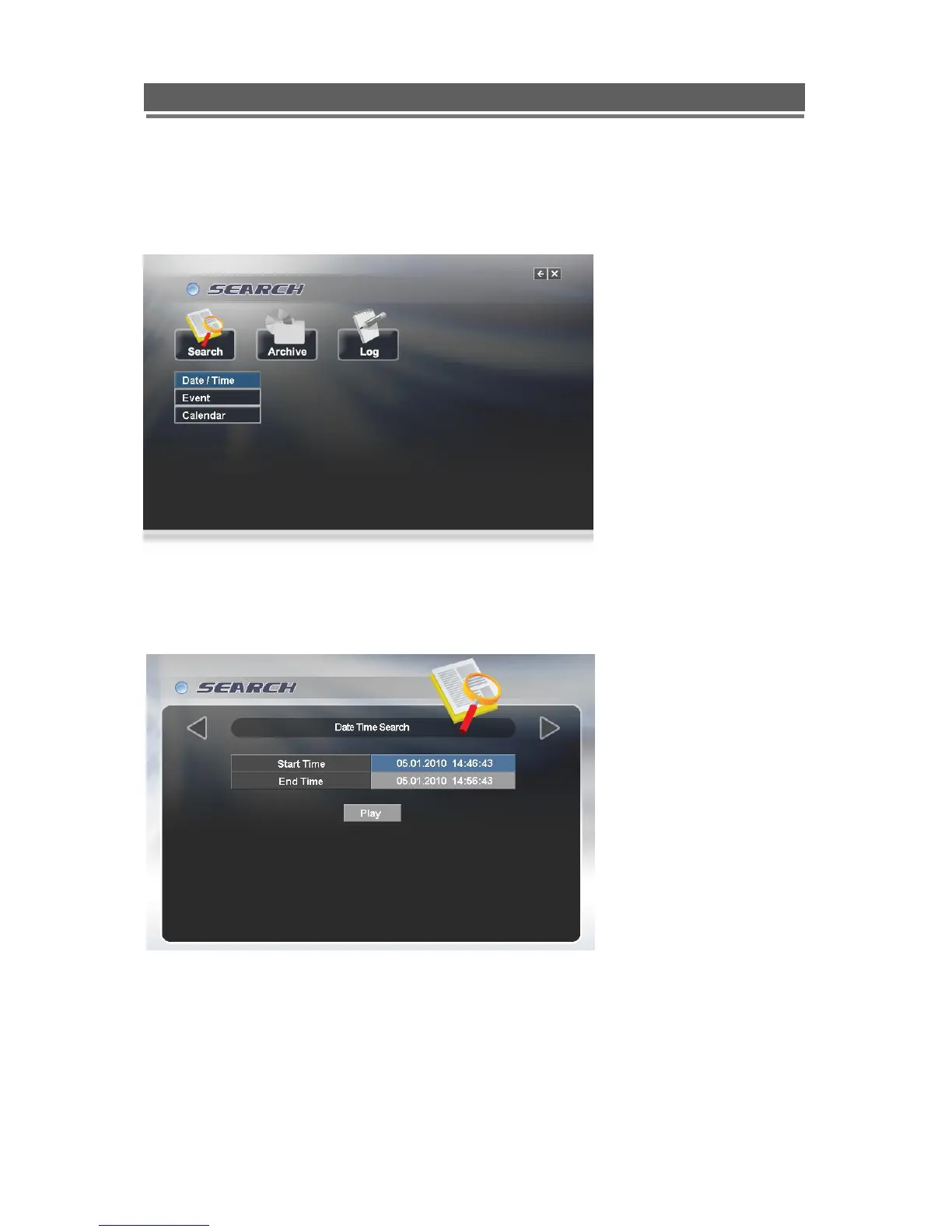
To access the search option, press the SEARCH button on the front panel or right click the
mouse and select Search, (A password may have to be entered) after which the following
screen will be displayed.
Date / Time Search
If you select date/time search, the following will be shown. Use the numerical number on the
front panel or the mouse to select the time and date required, then select Play.



 To Next Page