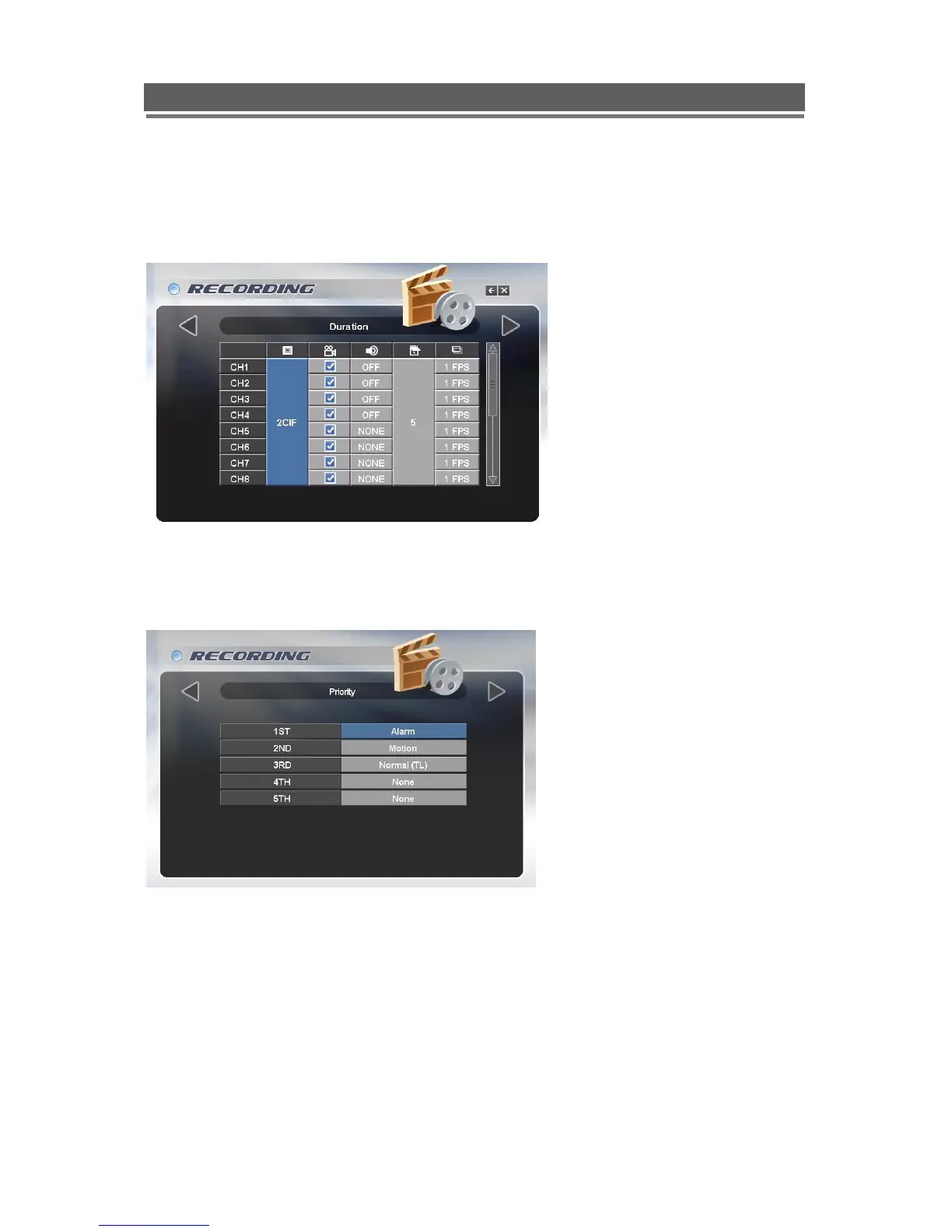
Duration
The Duration mode allows the user to set the: the number of days that they require to record
for; the resolution; whether cameras are active or not; whether audio is being recorded. The
user then sets the number of days of recording required, then the Quantum will automatically
calculate best record rate to achieve these settings
Priority
The RECORD PRIORITY allows the mixing of the various record methods to customise the
individual site requirements.
Example: A site may require Alarm recording at night, then a standard FPS recording during
the day.
In this case the Schedule would be set for required FPS and resolution, and the timetable set
for this recording between 8am and 8pm each day. Schedule would be set as 1
st
Priority. The
Alarm settings would be configured as required and this would be set as the 2
nd
priority.
The Quantum would then record between 8am and 8pm at the Scheduled rate, then once
beyond 8pm would look to the second priority and only record Alarm Events.



 To Next Page