Non Motion FPS
This is used in conjunction with the “Motion” recording section. In the motion recording section the
Record Quality for cameras in motion is set globally.
Cameras inputs not showing motion will be recorded at the corresponding Quality and the rate set
within the Non Motion FPS section.
Note: If non motion cameras are not to be recorded then set the FPS to 0 (Zero).
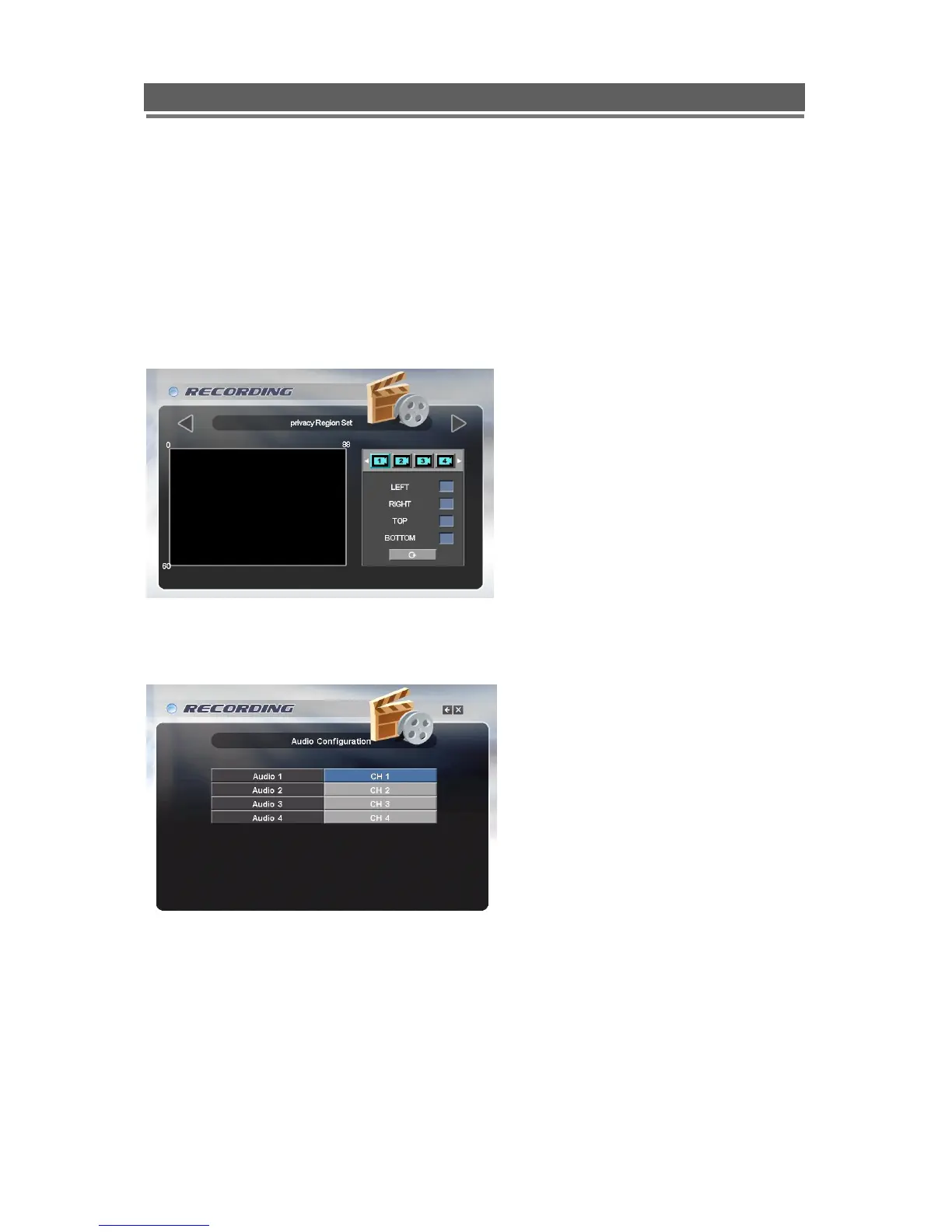
Privacy Region
A Privacy zone can be set to blank out any part of the image
Audio Configuration
Use this section to allocate which video input is to be associated with each of the 4 Audio inputs.



 To Next Page