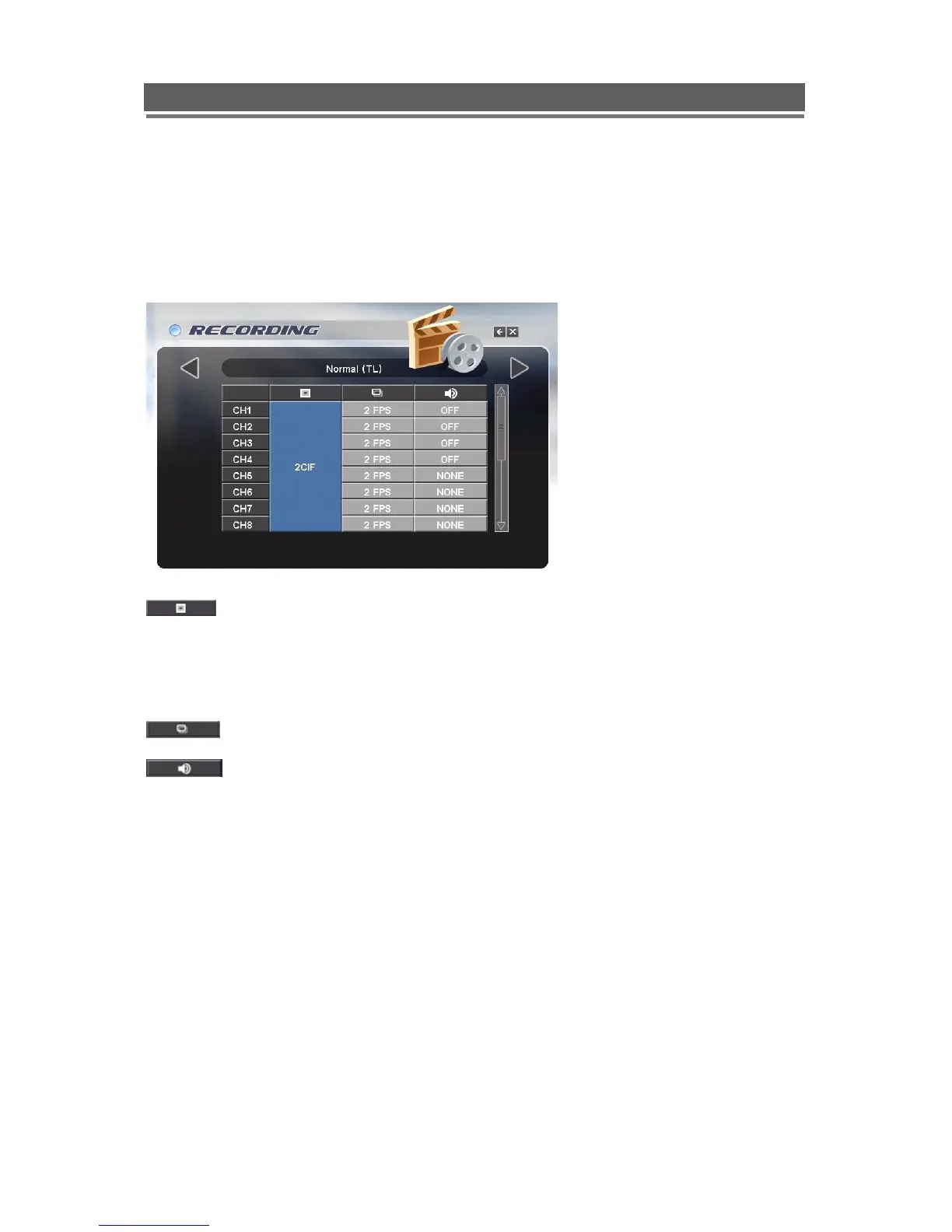
Normal (TL)
This allows each individual camera input to be configured for Normal (Time Lapse ) recording,
the Resolution, Fields Per Second and whether audio is being recorded can be set.
In CIF (360x288), 25 fps is available to each channel (total 400fps).
In 2CIF (720x288), 12.5 fps is available to each channel (Total 200fps).
In D1 (720x576), 6.25 fps is available to each channel (Total 100fps).
The record quality can be set globally to CIF, 2CIF or D1
Note:
1. If set to CIF, then 100 FPS are available globally across all cameras.
2. If set to 2CIF then 50 FPS are available globally across all cameras
3. If set to D1 then 25 FPS are available globally across all cameras.
The record rate can be set individually per camera
The 4 Audio inputs can be set to record during the alarm event. See Audio configuration,
in the Global menu, to allocate cameras to audio channels.



 To Next Page