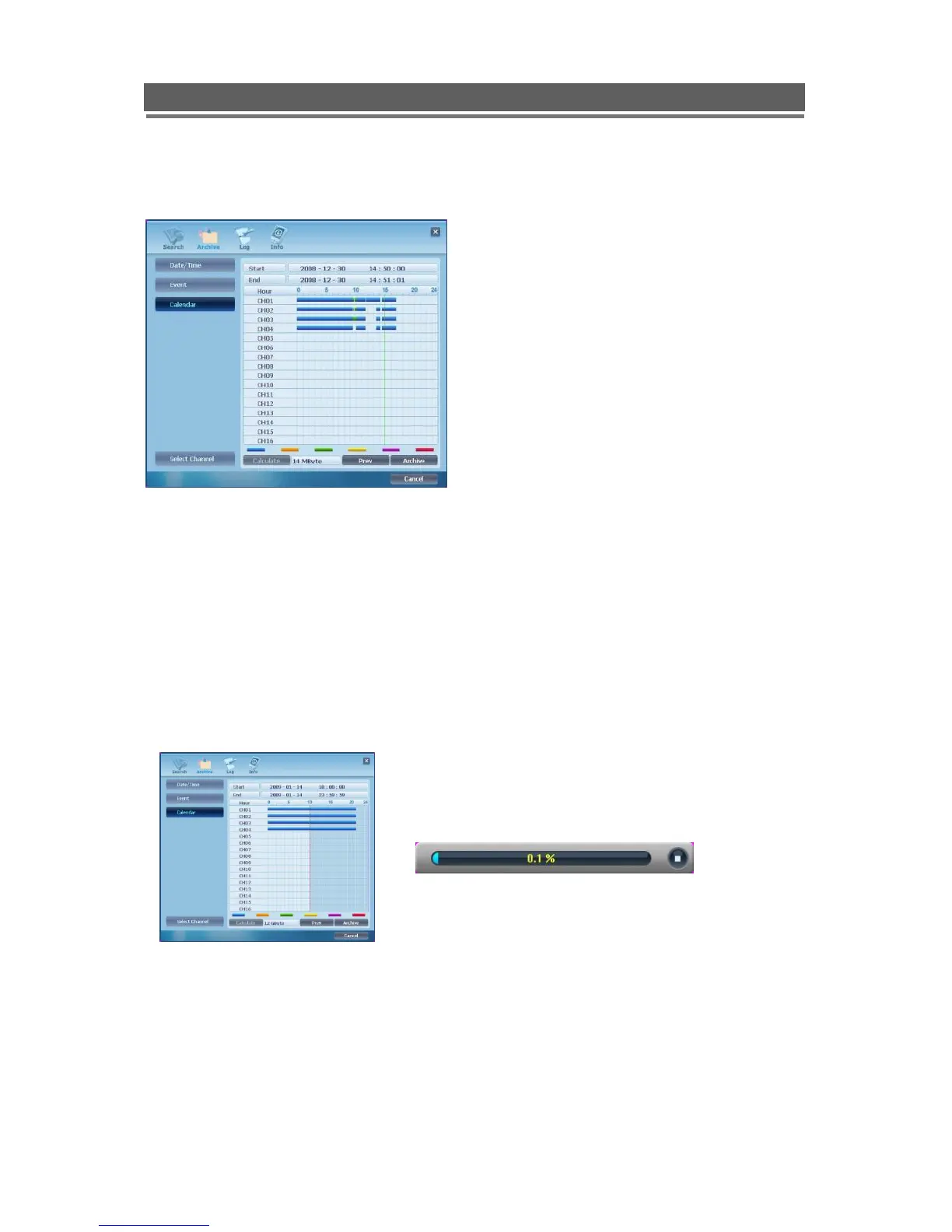
Select the Month then Day required (Days with recorded video are highlighted in Blue)
One the day is selected the following display will be shown:
Select the Start Time tick box
Click and drag over a required time period, this will zoom in on this selected segment of the
time line.
When zoomed into a section that shows a few minutes then the mouse wheel can be used
for more accurate time searching.
Next select the End Time Tick Box, and use the same method to select this time.
The backup procedure is same as Date/Time & Event backup as previous page.
* “Prev” to go back to previous stage.
*The downloaded data is saved in the follows location:
C:\Vista\Download.



 To Next Page