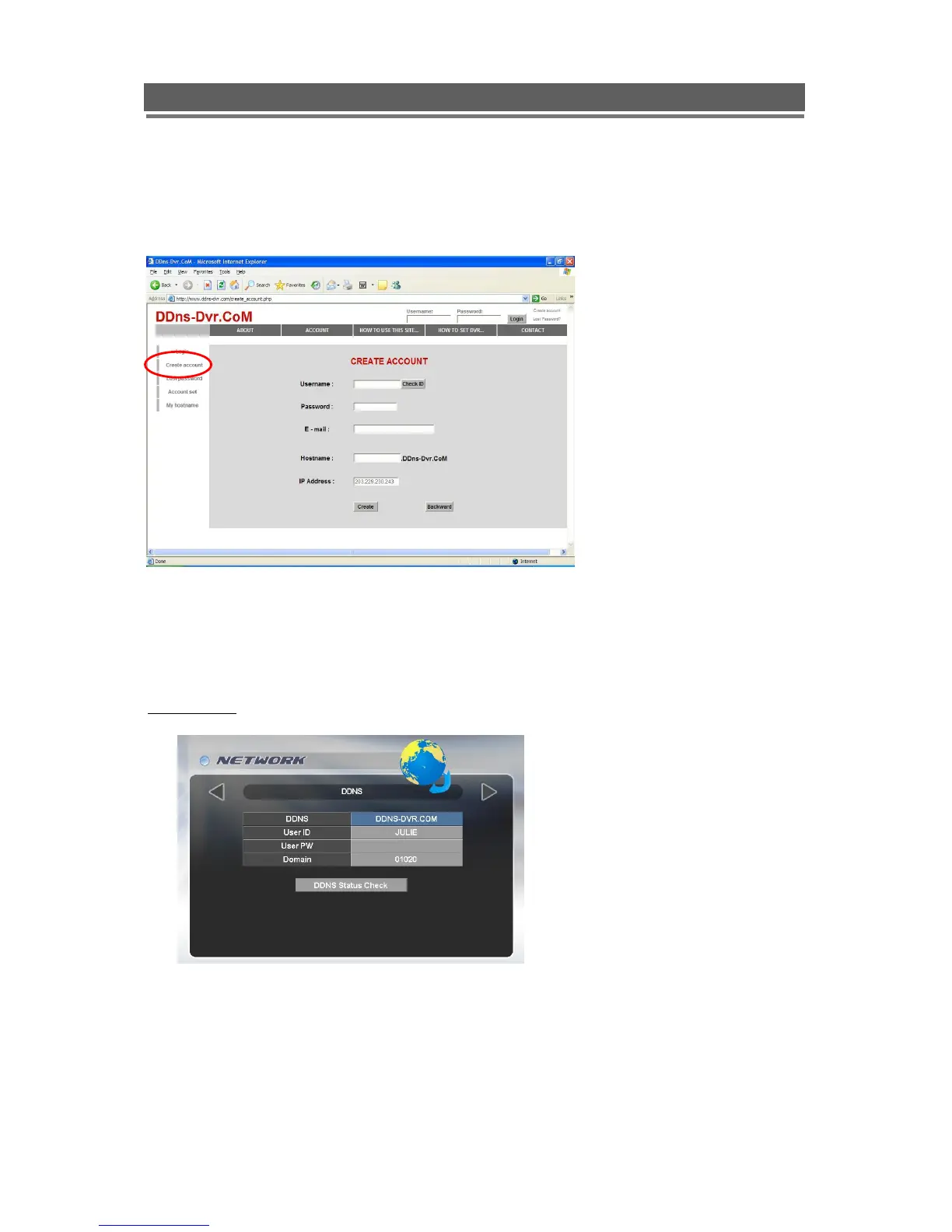
3. Select “Create Account” menu.
4. Create Account.
> Fill in all blanks in order to create new account.
ID & Password will be emailed to you when the account is setup correctly.
Once the DDns-Dvr account has been setup, it is necessary to add the details in the Network
section of the Quantum‟s menus.
DDNS SET
To enter Network set menu, system ask password (Default is 00000000).
In DDNS environment, need to be changed DVR & Web server port, please refer to
IP set.



 To Next Page