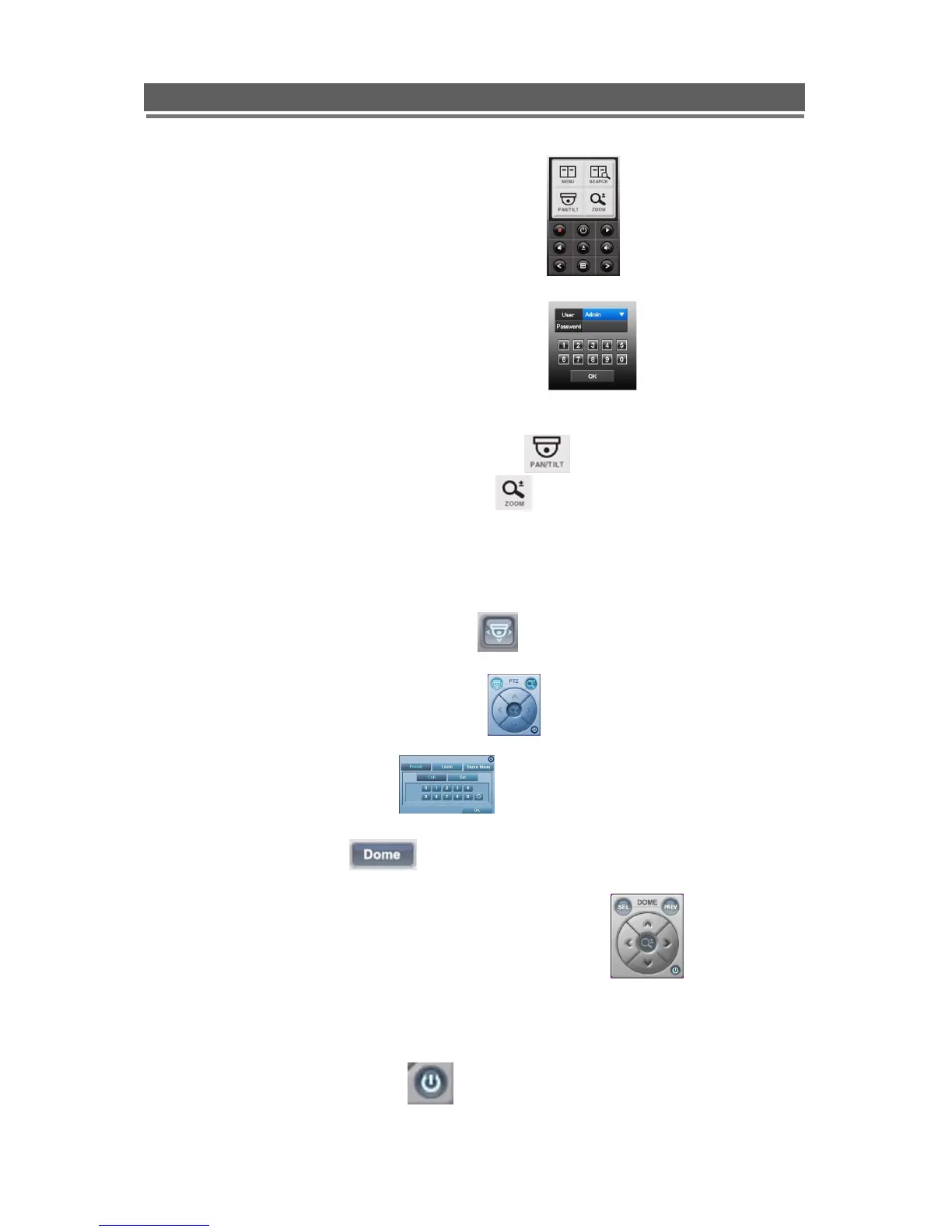
Mouse control
1. Right click mouse
2. Mouse menu screen will appear:
3. Left click MENU
4. The password box will appear
5. ENTER 1, 2, 3,4, then click OK
6. The Dome Password Menu will appear
7. Navigate up, down, left and right in “Pan / Tilt Mode”
Enter key is Right arrow in “Zoom /Focus Mode”
Client Software
1. While Client software is running select the dome required.
2. Enter Pan and tilt mode by clicking on the icon
3. The Pan and tilt control window will appear
4. Click on the central button
5. The following box will appear
6. Select the Dome Button
7. The dome password menu will appear
8. The pan and tilt control window will change to the following
9. Use the arrows, SEL ( ENTER) and PREV(ESCAPE), to navigate around the menus
10. To Exit the menu mode repeatedly press PREV.
11. To return to PTZ mode press the button.



 To Next Page