(SMART)ARRANGE ON/OFF:
If Cameras are being displayed in segments that are not logical, the Smart button will
rearrange and put camera input 1 into segment 1 (Top Left) etc.
Image Save / Load: /
SAVE: This icon is used to save a still image in either JPEG or BMP or TIF format. There is
no change on the main screen when the “Save” icon is pressed.
The still image is stored as default in C: Vista: Saved folder, as a Jpeg image using the date
and time as the file name.
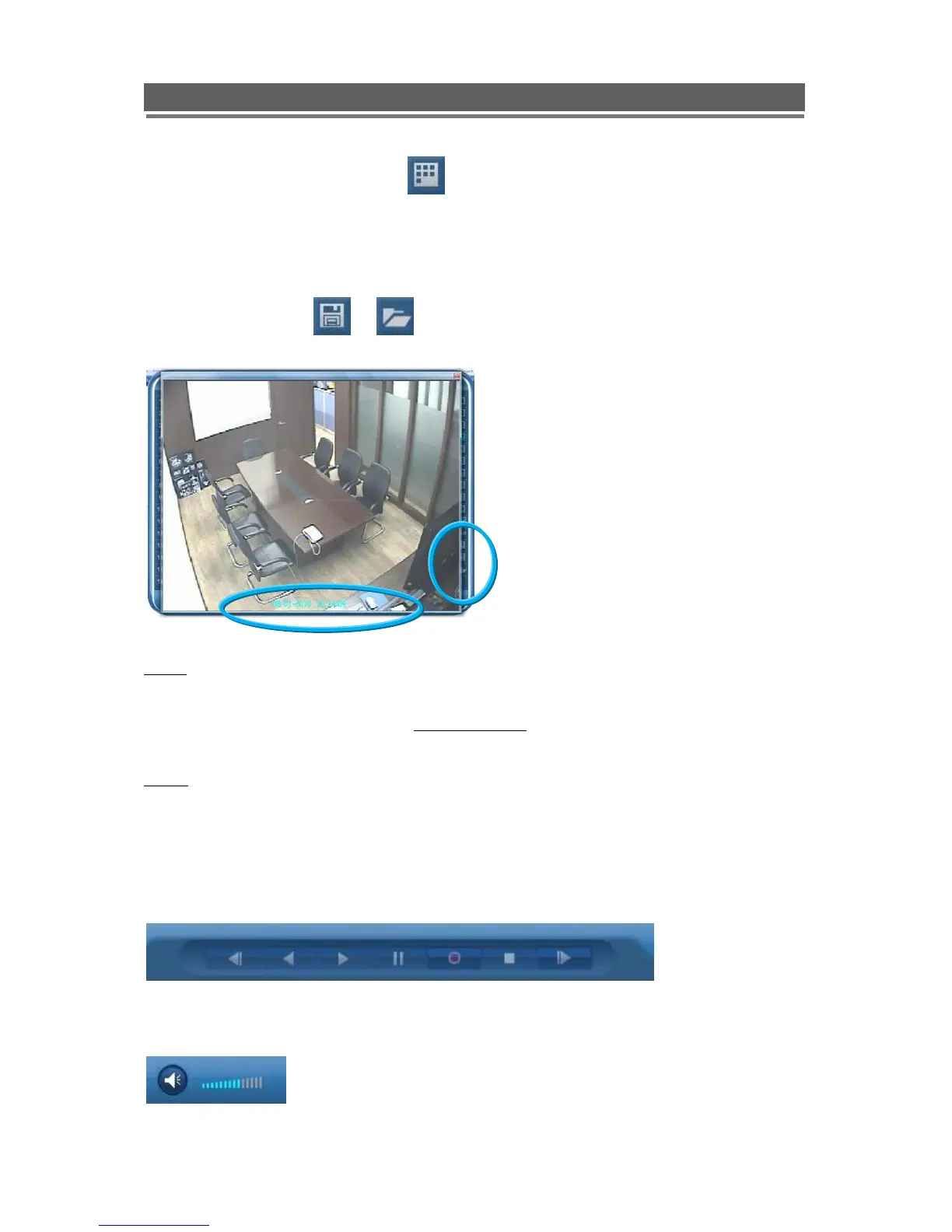
LOAD: This icon is used to retrieve and view a saved still image, when selected a list of
available images will be shown. Select to one required, it will be displayed along with data
information (Status-Live/Playback, IP address, CH No.)
Playback (Step Backward, Backward, Playback, Pause, Recording, Stop, Step
Forward)
Audio (Mute, Volume)



 To Next Page