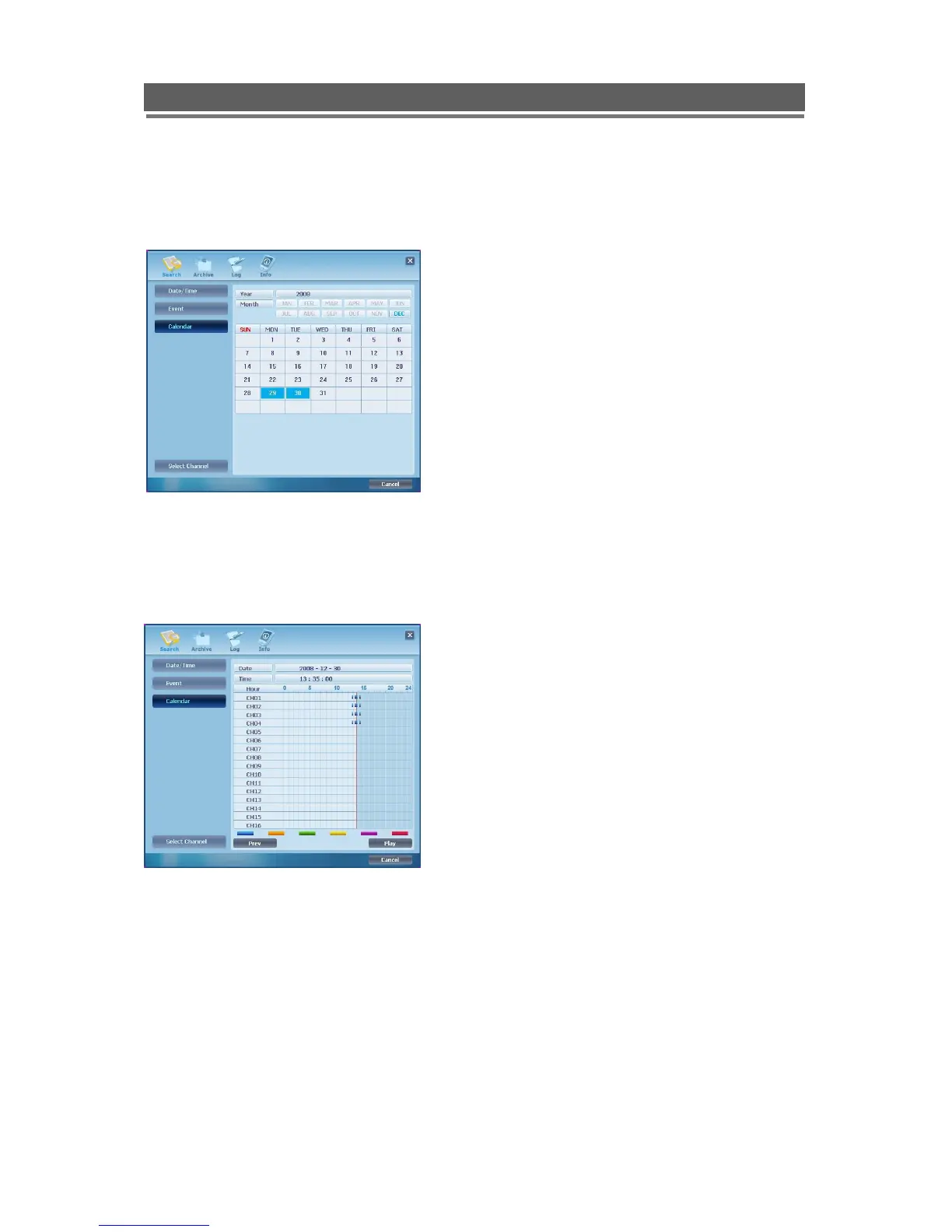
Calendar
Select the date required (as long as the date is highlighted in Blue there is recorded data on
from that day).
Select the Month then Day required (Days with recorded video are highlighted in Blue)
One the day is selected the following display will be shown:
Click and drag over a required time period, this will zoom in on this selected segment of the
time line.
When zoomed into a section that shows a few minutes then the mouse wheel can be used
for more accurate time searching.



 To Next Page