MP-D201 rear panel
Inputs.
Input 1 USB
Input 2,3. XLR
Input 4,5 RCA
Power
Outputs
Ground/Earth
Analog out RCA (R+L)
Analog out XLR (R+L)
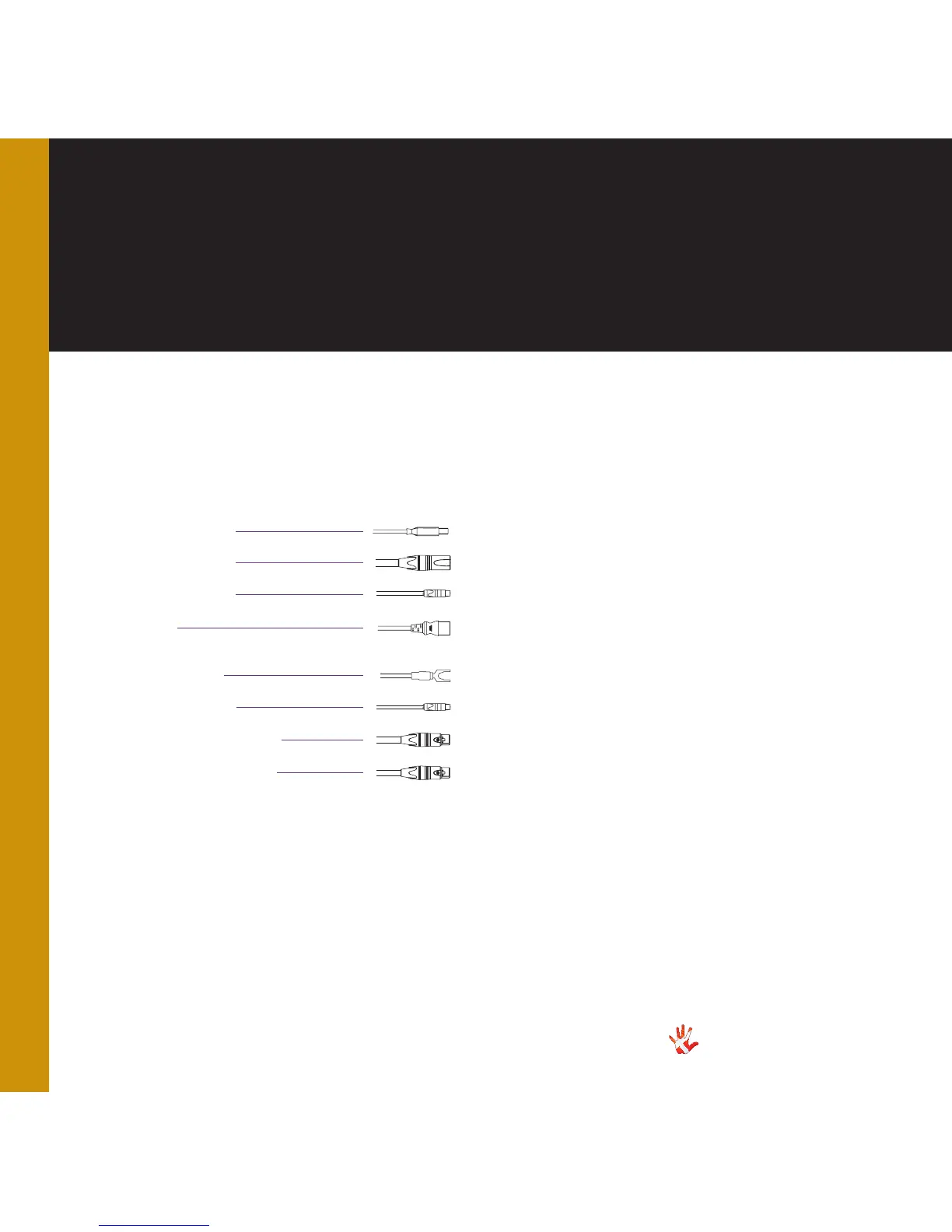
Figure 4 Plugs
USB b (male)
Ground
XLR out (L+R)
RCA out (L+R)
Power
Place the MP-D201 on its shelf.
Connect all the sources to
the inputs of the MP-D201,
Connect the outputs of the
MP-D201. Carefully connect
the mains to the MP-D201,
after you have connected both
inputs and outputs.
USB input
The USB-input must be
connected to a USB 2.0
(or faster).
RCA in
RCA out (S/PDIF)
Connecting the
MP-D201
XLR in
12



 To Next Page