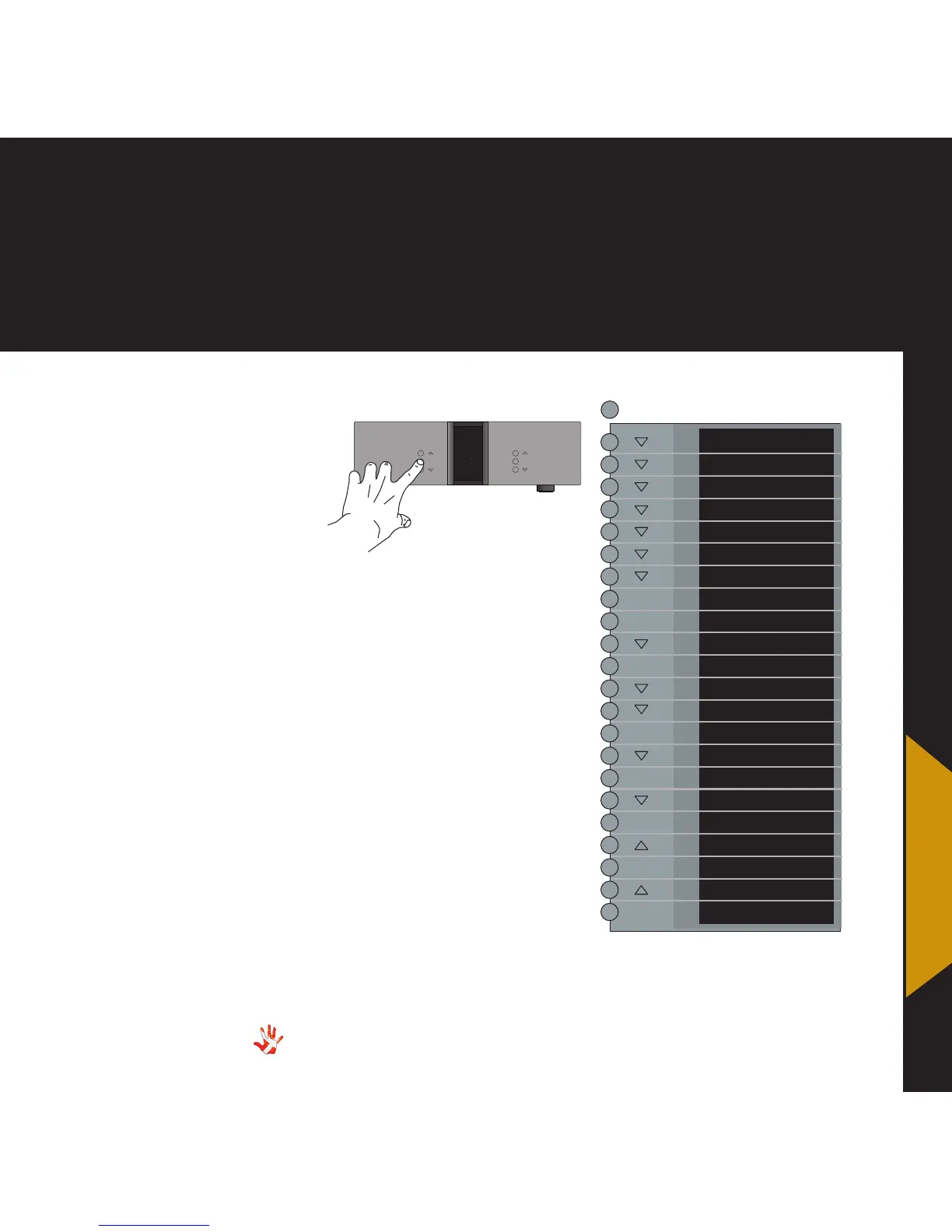
7. examples operation
7. examples
Example 5
Set the volume of
input 1 to a fixed
volume step of 0.0 dB.
You can set the volume of an
input to a fixed dB step. The input
is then locked to this dB step
and can not be adjusted with the
volume control. The following
example illustrates how to fix
the volume step of Input 4 to
0 dB.
Press the“MENU”button to
enter Menu Mode.
Navigate to the INPUT sub-
menu, using the function
buttons on the left front
1. Scroll forward in the
menu.
2. MENU/ Enter & Exit
SELECT submenus and
selectsettings.
3. Scroll backward in
the menu.
LEAVE
SETUP
DAC VOL
DATA
RESET
V.INIT
BRIGHT
INPUTS
INPUT1
BACK
FIXED
BACK
ADJUST
SET FIX
FIX OFF
FIX ON
SET FIX
ADJUST
- dB
O.O dB
ADJUST
BACK
SELECT
SELECT
SELECT
SELECT
SELECT
SELECT
SELECT
MENU
MP-D201 Left front panel.
INPUT
MENU
SELECT
STANDBY
MUTE
MP-D
9.9
*The menu item DAC VOL
becomes invisible when the
optional Volume Board is
installed.
*
Adjust the volume step to -0.0 dB
and press the SELECT button.
The display now shows SET FIX.
Input X is now locked to the
chosen dB step and can not be
adjusted with the volume control.
If you want to set FIX OFF, then
repeate the sequence of the
example and select FIX OFF.



 To Next Page