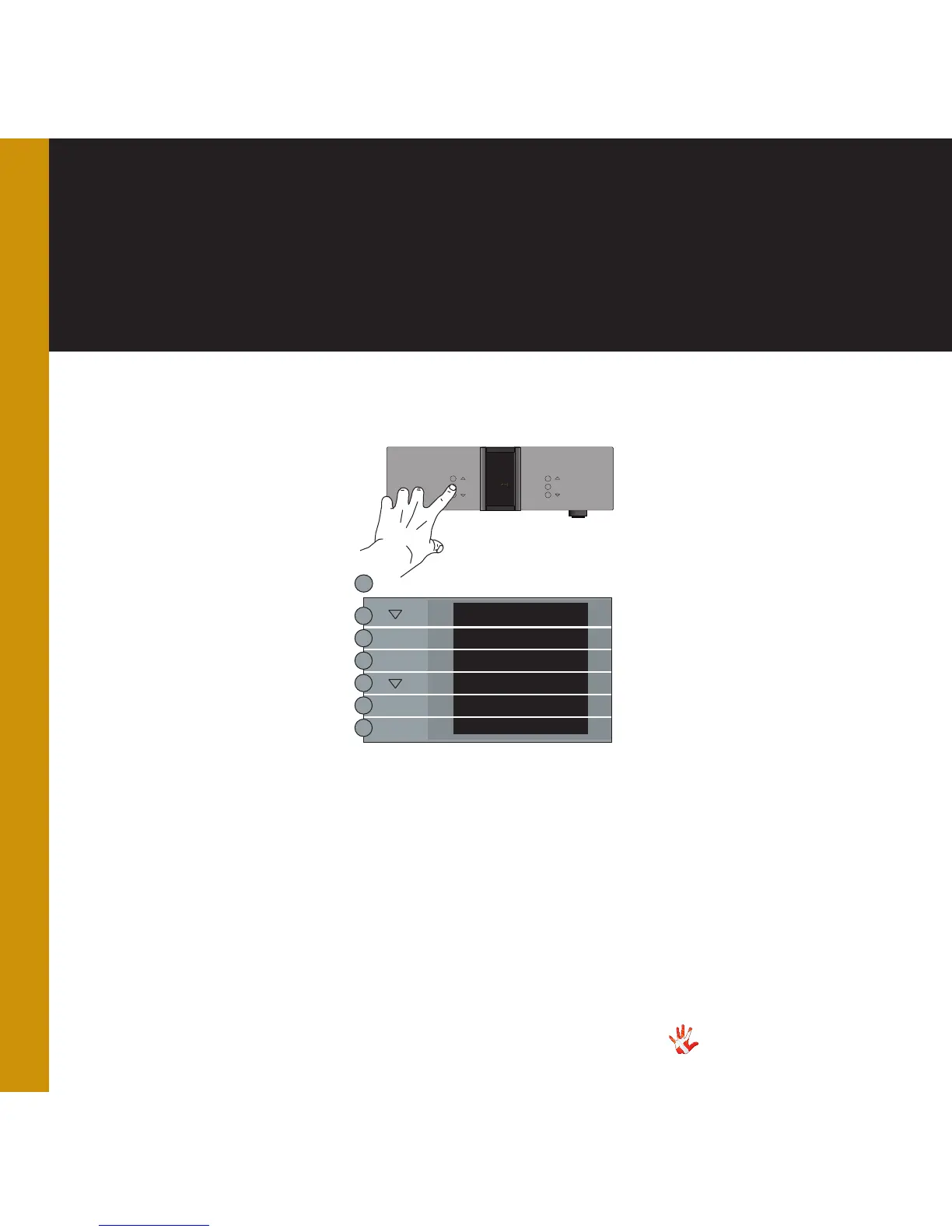
7. examples operation
Example 1
Enabling DAC VOL .
The DAC Volume is disabled
as a standard. If you want to
use the volume control then
you need to enable the volume
control. In the next example
we will show you how you can
enable the volume control
When you turn the volume
controle on, the menu items
V.INIT, FIXED and OFFSET
will appear in the menu.
Press the“MENU”button to
enter Menu Mode.
Navigate to the DAC VOL
sub-menu, using the function
buttons on the left front
1. Scroll forward in the
menu.
2. MENU/ Enter & Exit
SELECT submenus and
selectsettings.
3. Scroll backward in
the menu.
MP-D201 Left front panel.
INPUT
MENU
SELECT
STANDBY
MUTE
MP-D
MENU
LEAVE
SETUP
DAC VOL
VOL ON
VOL OFF
DAC VOL
SELECT
SELECT
SELECT
*The menu item DAC VOL
becomes invisible when the
optional Volume Board is
installed.
*



 To Next Page