7. examples installing software
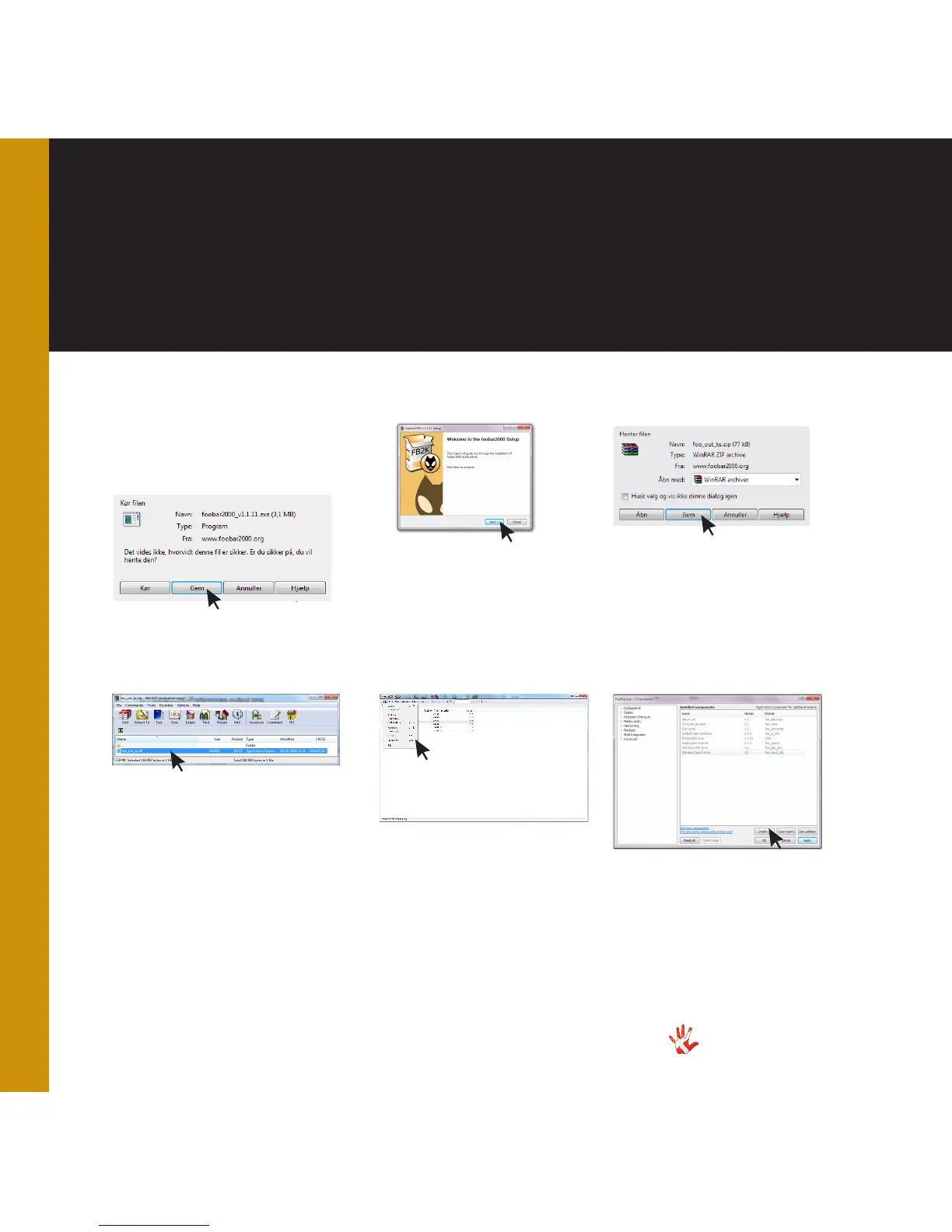
Installing a media player
Foobar2000
5 Foobar2000.
Open Foobar2000.
Go to File > Preferences.
6 Foobar2000.
Go to Components > Install.
Update the component library
of Foobar2000 with the new
component.
4 Winrar. Now extract the
component (using winrar for
example). Remember where
you extracted the component
to, you will need to find it later
on. You can also extract it to
your desktop.
1 Download Foobar2000 .
from http://www.foobar2000.org.
2 Install Foobar.
Install Foobar2000.
3 Download
Download the component
foo_out_ks
from
http://www.
foobar2000.org/components/
view/foo_out_ks.
. You need
this to set Foobar2000 to
Kernel-streaming mode.



 To Next Page