8. RC-010
examples
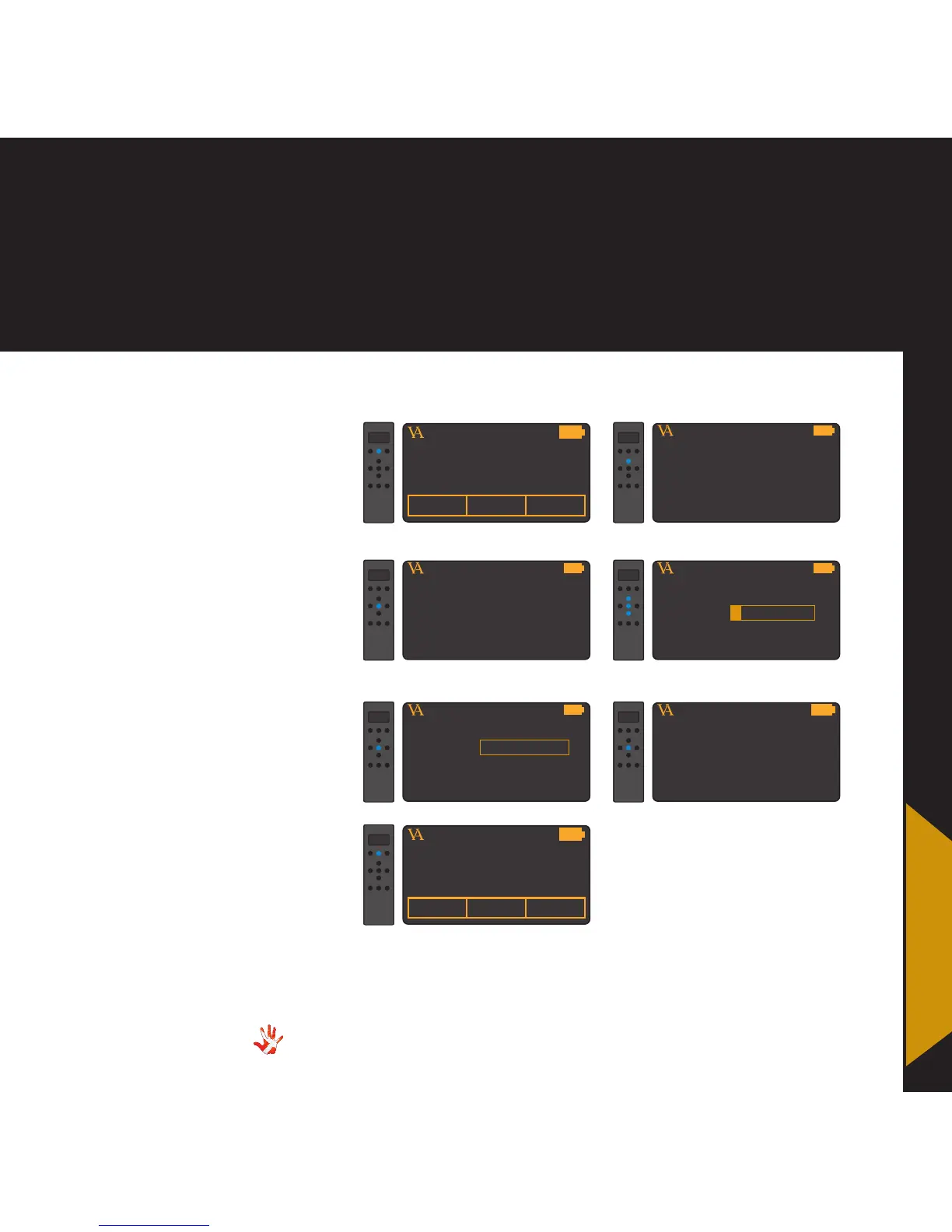
Example 3
Adding a product.
The RC-010 has all the Vitus
Audio products installed as
a standard. The RC-010 can
however be used with all the
products that are controlled with
the RC 5 protocol.
In the following 7 steps
we will show how you can
add a product to the list of
predefined products.
VITUS
PRODUCTMP-T201 MP-T201
1. Press and hold button 2 for
3 seconds to enter menu mode.
MP-D201
In the next example we will
show how you can program
the buttons of the new
product CDPLAYER.
VITUS
PRODUCT
7.Now you can find the new
product CDPLAYER in the list
of products, when you switch
between products.
CDPLAYER
VITUS
LEAVE MENU
2. Navigate to the add product
sub-menu
MP-D201
VITUS
ADD PRODUCT
3. Enter the add product
sub-menu
MP-D201
VITUS
NAME:
4. Enter the name of the new
product, for example CDPLAYER
MP-D201
VITUS
LEAVE MENU
6. Leave the menu.
MP-D201
VITUS
NAME: CDPLAYER
5. Press select
MP-D201



 To Next Page