8. RC-010 examples
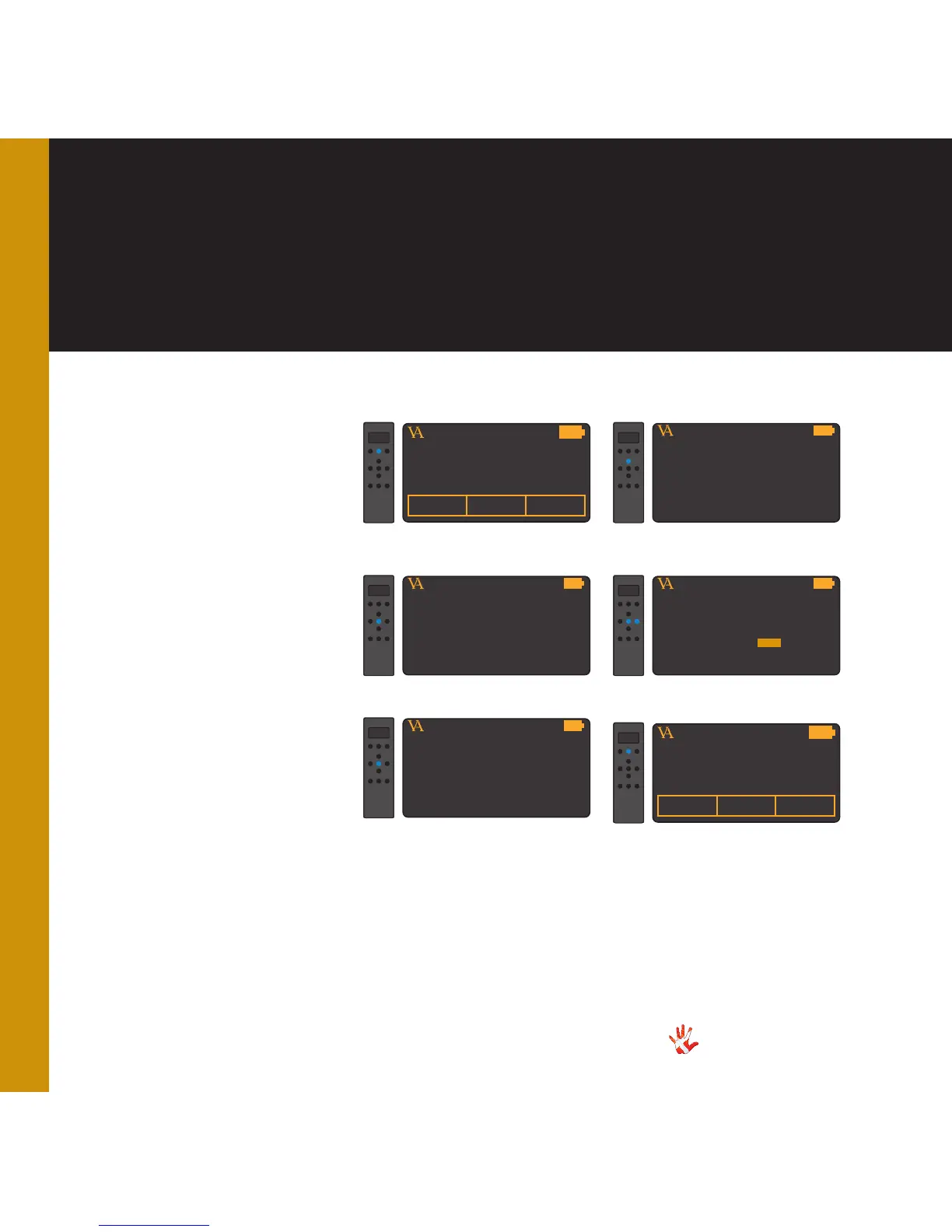
Example 6
Resetting the RC-010.
You can restore the settings of
the RC-010. In the following
steps we will show you how to
do this.
VITUS
PRODUCTMP-T201 MP-D201
1. Press and hold button 2 for
3 seconds to enter menu mode.
MP-D201
VITUS
PRODUCTOUTPUT
MP-D201
VITUS
FABRIC
2. Navigate to the FABRIC sub-
menu
MP-D201
VITUS
FABRIC
2. Enter the FABRIC sub-menu
MP-D201
VITUS
RESET TO STANDARD?
2. Restore the settings of the
RC-010
MP-D201
VITUS
LEAVE MENU
9. Leave the menu
MP-D201
NO
YES
10 .The settings of the RC-010
are now restored.



 To Next Page