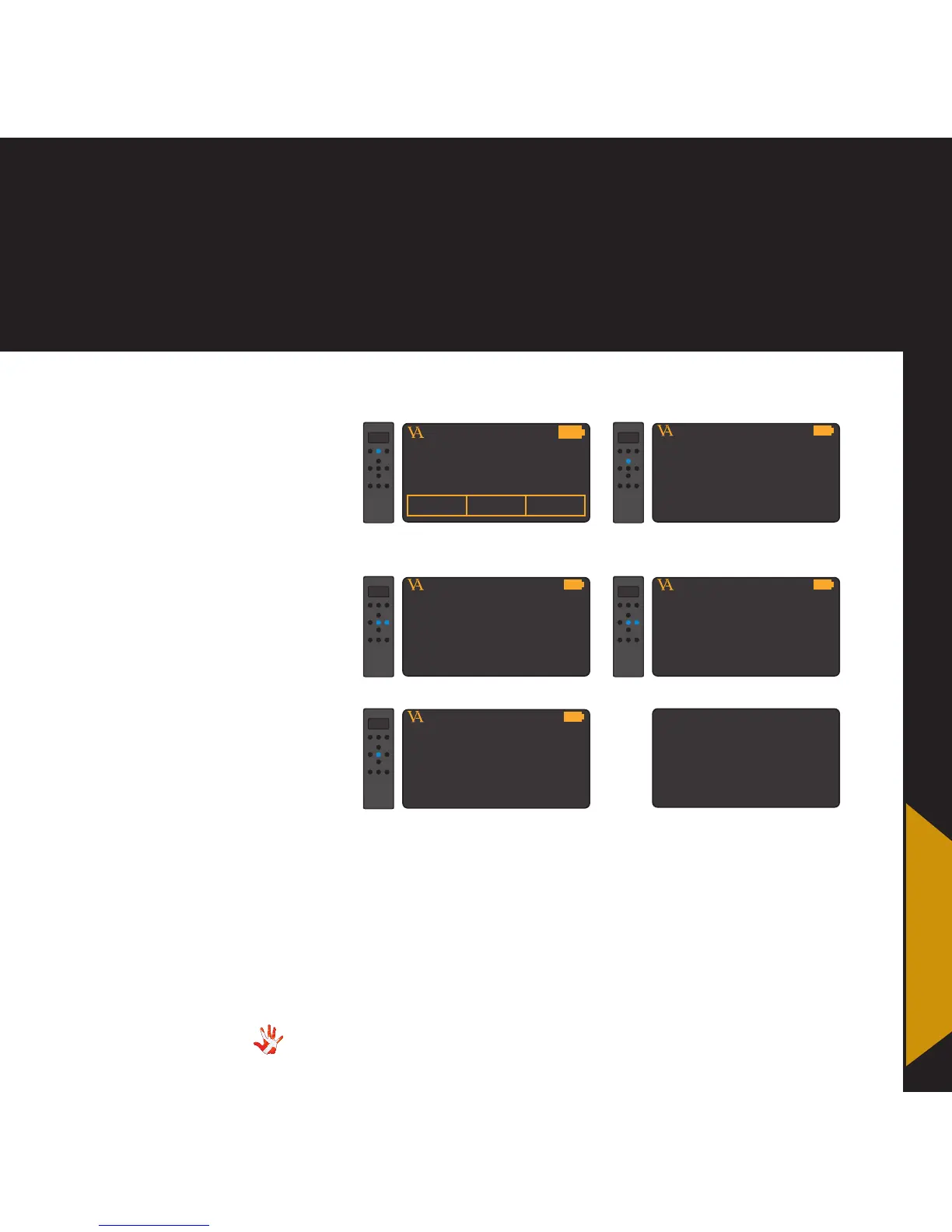
8. RC-010 examples
8. RC-010
examples
Example 7
Changing the delay
from 5 to 10 seconds.
The delay of the display is as
a standard set to 5 seconds. In
the next 5 steps we will show
how to set the delay to 10
seconds.
VITUS
PRODUCTMP-T201 MP-L201
1. Press and hold button 2 for
3 seconds to enter menu mode.
MP-D201
VITUS
DISPLAY
2. Navigate to the DISPLAY
sub-menu
MP-D201
VITUS
DISP TIME: 10 s
4. Set the delay to 10 seconds.
MP-D201
VITUS
DISP TIME: 5 s
3. Enter the DISPLAY sub-menu
MP-D201
VITUS
LEAVE MENU
5. Leave the menu
MP-D201
The RC-010 will
now power down
after 10 seconds.



 To Next Page