8. RC-010 operation
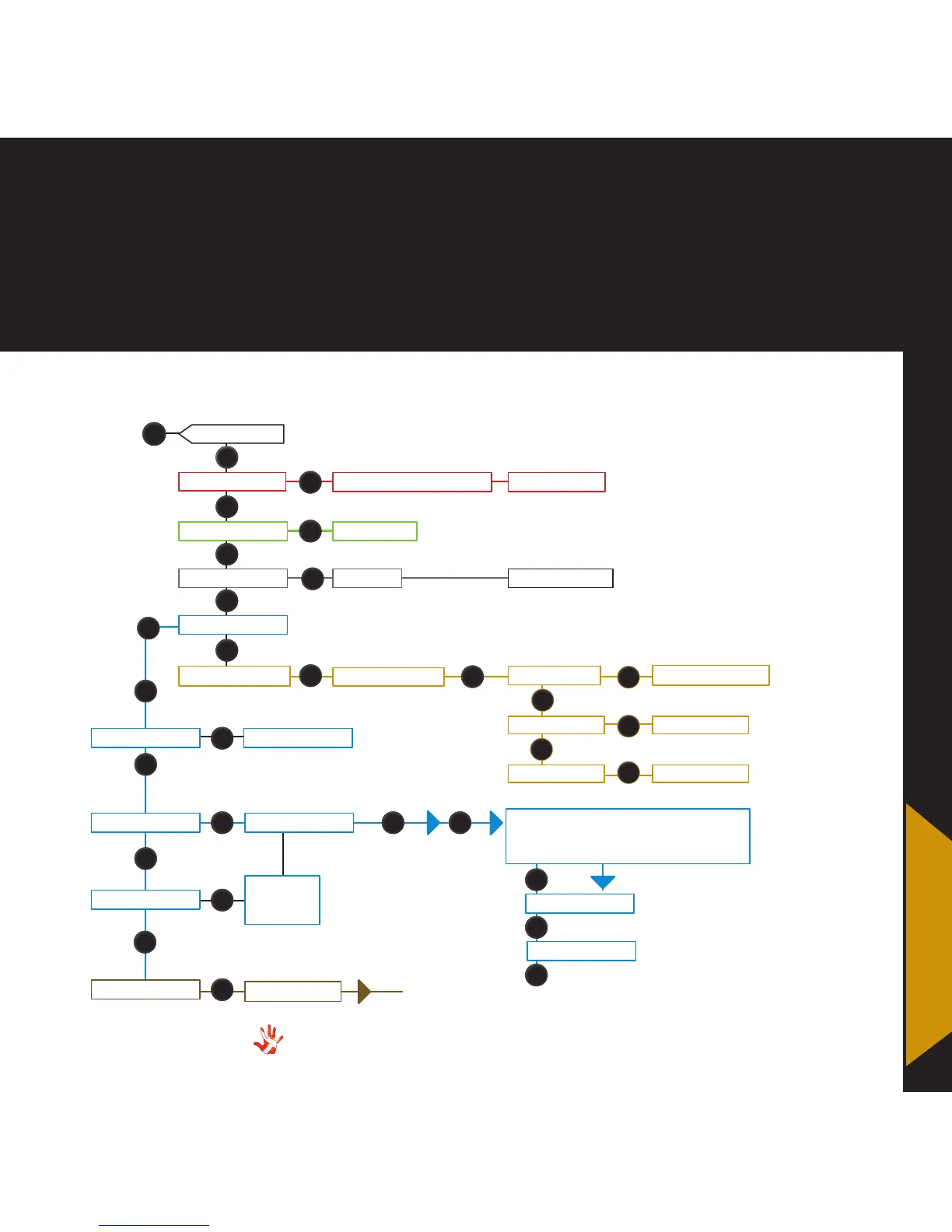
Figure 9 The RC-010 Menu strukture
RESET TO STANDARD? NO / YES
LEAVE MENU
FABRIC
ADD PRODUCT NAME:........
DISPLAY DISPLAY 1/2/3/4/5/10/OFF
EDIT PRODUCT
PROGRAM KEY*
SELECT KEY
MP-t201
MP-D201
KEY 1: INPUT 1
ENABLE DISABLE
INPUT 1/2/3/4/5
The same
sequence
as key 1
The INPUT .. in the list of possible de-
vices under button 1 is now updated
with the input that you have chosen.
KEY 3: INPUT 2
2
2
2
6
6
6
6
6
6
56
6
6
1
1
1
8
KEY ..
PRESS/RELEASE
CODE ..
TEXT ...
6
6
6
8
8
8
8
8
8
8
8
8
7
*This sub-menu becomes
available when you add a
product to the predened
product list.
INPUT 1/2/3/4/5
SCD-025
RC-010 The menu structure
8. RC-010
operation



 To Next Page