7. examples operation
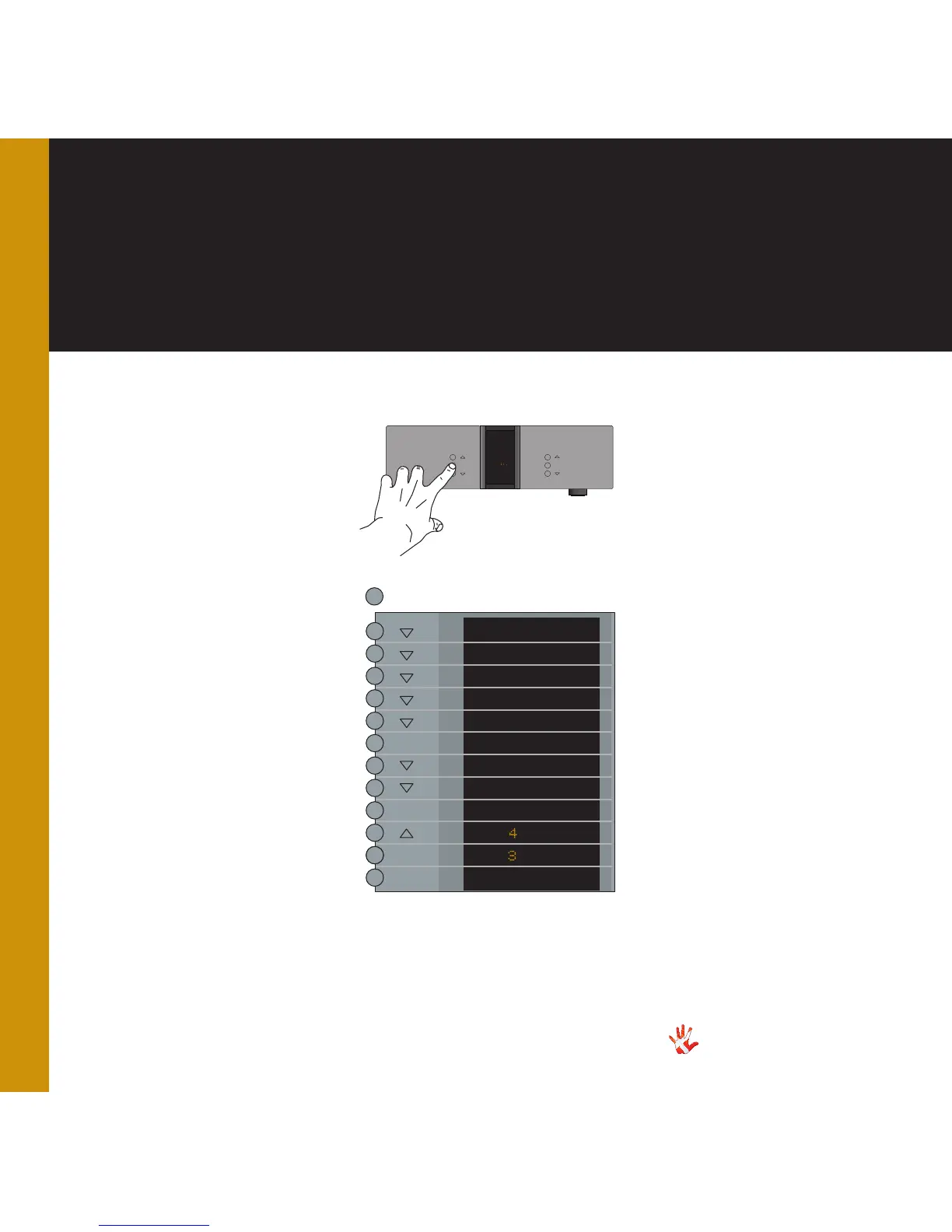
Example 3
Setting the
initial volume step to
-30 dB.
Press the MENU button to
enter Menu Mode.
Navigate to the V.INIT
submenu, using the function
buttons on the left front
1. Scroll forward in the
menu.
2. MENU/ Enter & Exit
SELECT submenus and
select settings.
3. Scroll backward in
the menu.
In the V.INIT submenu you
can adjust the initial volume
step. This is the volume step
the MP-D201 starts up in
when it leaves standby mode.
The initial volume step is as a
standard set to -40.
Set the volume step to -30
using the and the
buttons. Press SELECT and
leave the menu.
Next time you turn on the
MP-D201, it will initialize in
volume step -30 dB.
MP-D201 Left front panel.
INPUT
MENU
SELECT
STANDBY
MUTE
MP-D
MENU
LEAVE
SETUP
DAC VOL
DATA
RESET
V.INIT
REMEMBER
BACK
VOL.STEP
- O
- O
VOL.STEP
SELECT
SELECT
SELECT
*The menu item DAC VOL
becomes invisible when the
optional Volume Board is
installed.
*



 To Next Page