SUPREMA - OPERATION & SERVICE MANUAL
Page 14 of 58 02-2012 Suprema - Operation & Service
Total Counter Reset
This software contains a special access code that enables the service person to reset all the
counters to zero, including the "
VEND TOTAL" counter. This operation should be performed
before a unit is re-installed in the field.
1. To perform a "
TOTAL COUNTER RESET",
a) Switch the power to the coffee maker "
OFF" (switch is at the rear of the unit).
b) Press the "
SET-UP" mode button on the inside door panel and keep it depressed.
c) With "
SET-UP" mode button pressed, switch power to coffee maker "ON".
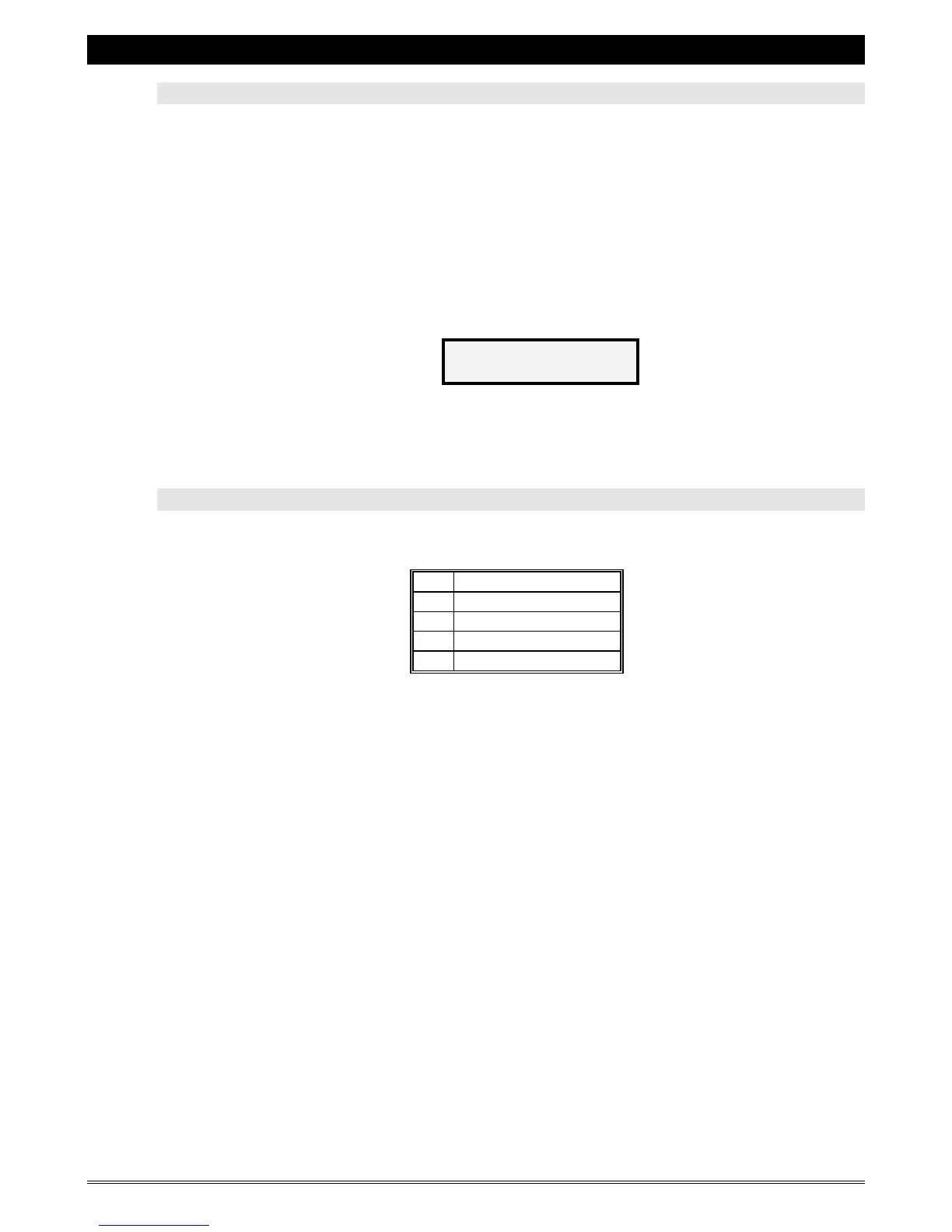
d) The following message will now appear on the display,
e) Enter the "TOTAL COUNTER RESET" access code (described below).
" Total Counter Reset " Access Code
The following is the factory preset "TOTAL COUNTER RESET" access code - press the following
in the sequence outlined below;
Once the access code has been entered, a counter will appear on the top left of the display, and
will quickly increment from 0 to 255. When the reset is complete, the unit will automatically
exit to the “standby” mode, and the internal light will remain “
ON” temporarily. It is now
necessary to press the “
START” button for the brewer to cycle to re-establish its home position.
ENTER ACCESS
CODE:



 To Next Page