SUPREMA - OPERATION & SERVICE MANUAL
Page 34 of 58 02-2012 Suprema - Operation & Service
DOWNLOADING SOFTWARE AND TRANFERRING SETTINGS
Downloading Software Updates Using the VKI Data Link
For downloading software updates into the Suprema unit, it is necessary to purchase a VKI
Data Link downloader. This device allows you to download software updates, as well as
transfer settings quickly and easily from one coffee maker to another. A DB9 cable and a phone
jack harness are required to interface the Data Link to the coffee maker. Updates to the
software will be provided on an eprom from VKI Technologies. This eprom will then need to
be inserted into the Data Link. Please note that only one eprom is needed in the Data Link to
program as many Suprema coffee makers as needed.
The following procedures are required to download software updates from the Data Link device
to the coffee maker. Following this procedure will not change any settings that have already
been programmed into the software.
1. Switch the power to the coffee maker "
OFF".
2. Interface the Data Link with the coffee maker.
a) Open the front door.
b) Open the inner door.
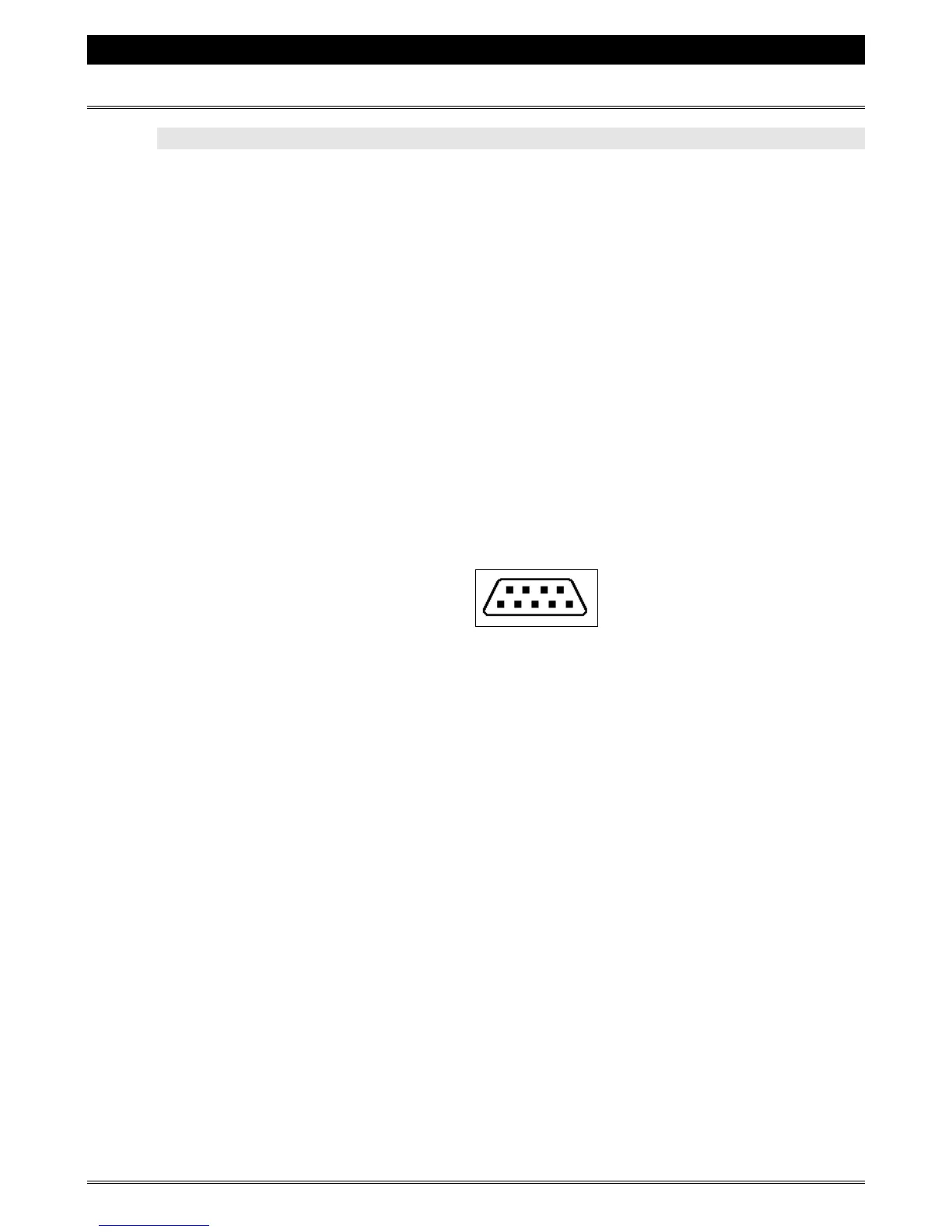
c) The RS232 connector (illustrated below) is located above the control panel on the
inside of the front door.
d) Connect one end of the DB9 cable to the RS232 connector on the Data Link, and
connect the other end of the cable to the RS232 connector inside the coffee maker.
e) Connect one end of the Data Link phone jack harness to the phone jack connector
on the Data Link, and connect the other end of the phone jack harness to the free
phone jack connector on the back of the front board.
3. Press the "50/50" button on the front selection panel of the coffee maker, and
switch the power to the coffee maker "
ON" (you must keep the "50/50" button
pressed throughout the whole procedure, until the display reads "
DATA LINK").



 To Next Page