DISPLAYS AND VOICE CONTROL
109
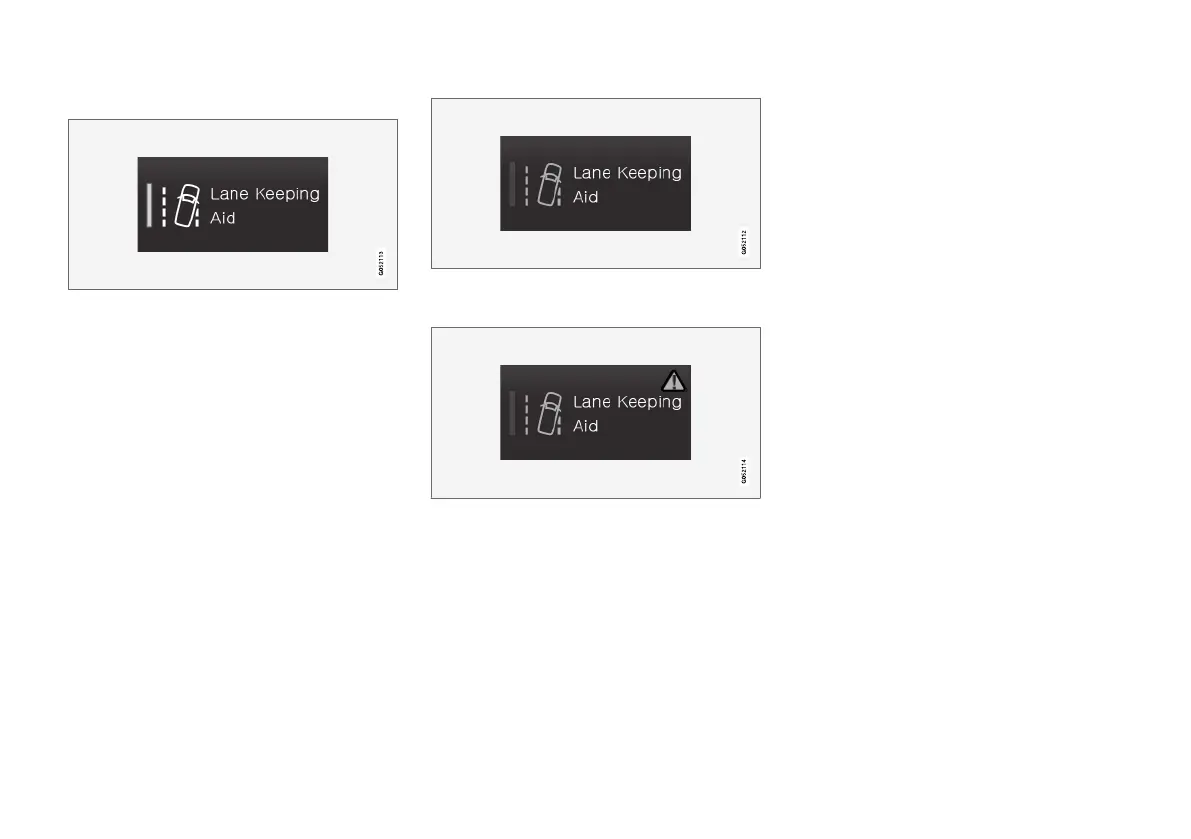
The buttons' different modes
When the LED indicator illuminates in green on a
function or parking button, the function is acti-
vated. When a function is activated, extra text
with an explanation for certain functions is
shown. The text is shown for a few seconds and
then the button is shown with the LED indicator
illuminated.
For
Lane Keeping Aid, the text Works only at
certain speeds is shown, for example, when the
button is depressed.
Press the button once briefly to activate or deac-
tivate the function.
The function is deactivated when the LED indica-
tor is extinguished.
When a warning triangle is shown in the right-
hand section of the button there is something not
working as intended.
Related information
•
Managing the centre display (p. 98)
•
Navigating in the centre display's views
(p. 101)



 To Next Page