SOUND, MEDIA AND INTERNET
}}
* Option/accessory.
465
Sound experience*
Sound Experience is opened from the centre
display's app view and gives access to further
audio settings. The following settings can be
made:
•
Surround - surround sound mode with level
settings.
Related information
•
Media player (p. 474)
•
Settings for voice recognition (p. 131)
•
Settings for phone (p. 496)
•
Sound, media and Internet (p. 464)
•
Internet-connected car* (p. 498)
Apps
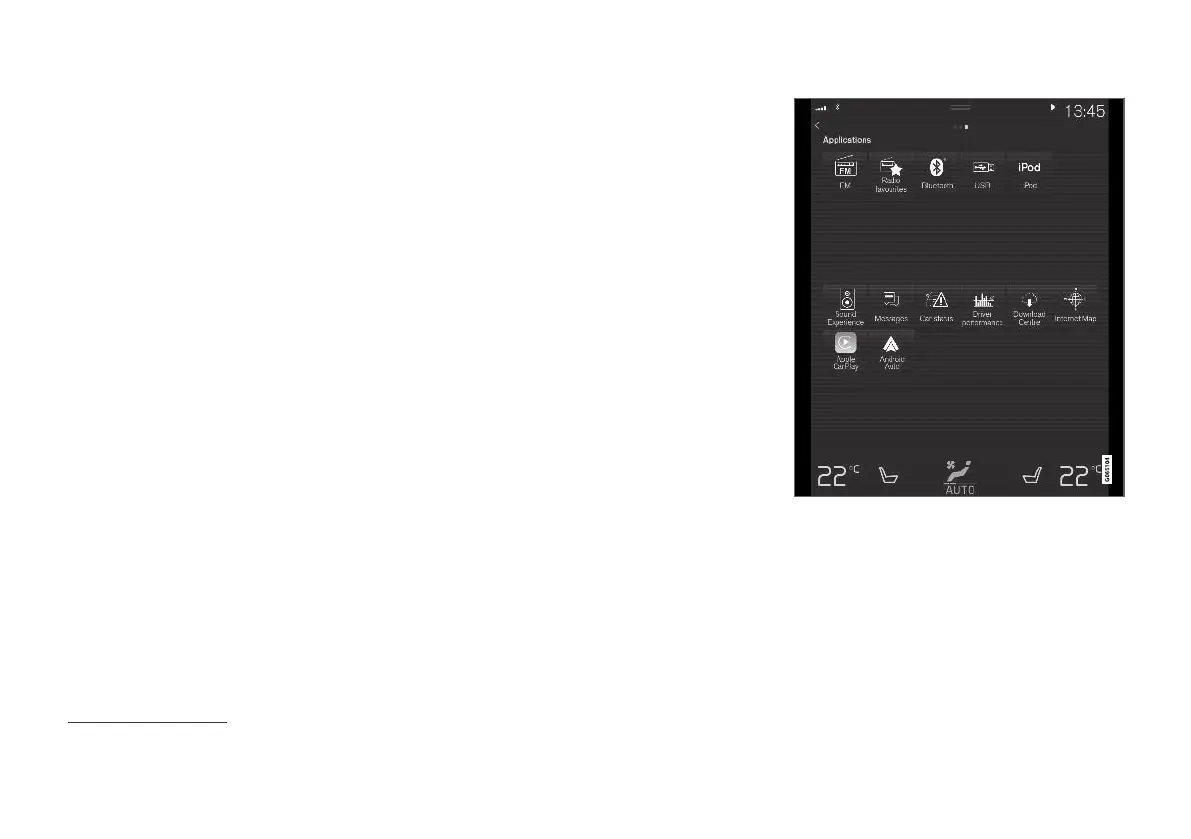
The app view contains applications (apps) that
give access to certain of the car's services.
Swipe from right to left
1
across the centre dis-
play's screen in order to access the app view
from the home view. Apps that have been down-
loaded (third-party apps) and apps for embedded
functions, such as
FM radio, are found here.
App view (generic image, basic apps vary by market and
model)
Some basic apps are always available. More apps
such as web radio and music services can be
downloaded when the car is connected to the
Internet.
Certain apps are only available for use if the car
is connected to the Internet.
1
Applies to left-hand drive cars. For right-hand drive cars - swipe in the opposite direction.



 To Next Page