DISPLAYS AND VOICE CONTROL
108
Function view in centre display
All the buttons for car functions are located in
the function view, one of the centre display's
basic views. Navigate to the function view from
home view by swiping from left to right across
the screen
12
.
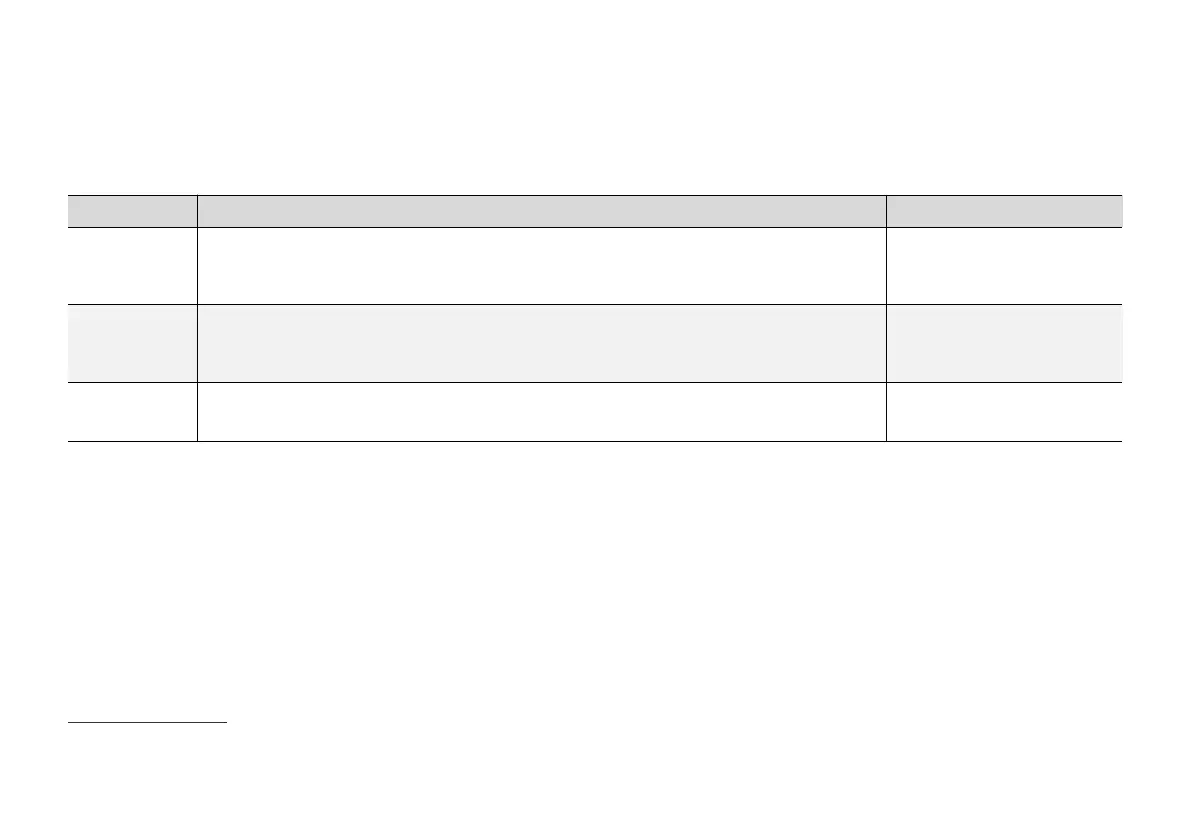
Different types of buttons
There are three different types of buttons for car
functions; see below:
Type of button Property Affects car function
Function buttons Have on/off positions.
When a function is running, an LED indicator illuminates to the left of the icon for the button. Press
the button to activate/deactivate a function.
Most buttons in function view
are function buttons.
Trigger buttons Do not have on/off positions.
When a trigger button is depressed, a window for the function is opened. For example, it may be a
window to change seat position.
•
Camera
•
Headrest Fold
Parking buttons Have on, off and scan modes.
Similar to the function buttons but with an extra position for parking scanning.
•
Park In
•
Park Out
12
Applies to left-hand drive cars. For right-hand drive cars - swipe in the opposite direction.



 To Next Page