KEY, LOCKS AND ALARM
* Option/accessory.
226
Ordering more remote control keys
The car is supplied with two remote control keys.
A button-less key is supplied if the car is equip-
ped with keyless locking and unlocking*. Addi-
tional keys can be ordered.
A total of twelve keys can be programmed and
used for one single car. If additional keys are
ordered, additional driver profiles are added - one
per new remote control key. This also applies for
the key tag.
Loss of a remote control key
If you lose a remote control key then a new one
can be ordered at a workshop - an authorised
Volvo workshop is recommended. The remaining
remote control keys must be taken to the work-
shop. The code of the missing key must be
erased from the system as a theft prevention
measure.
The current number of keys registered to the car
can be checked via driver profiles in the centre
display's top view, select
Settings System
Driver Profiles.
Related information
•
Remote control key (p. 217)
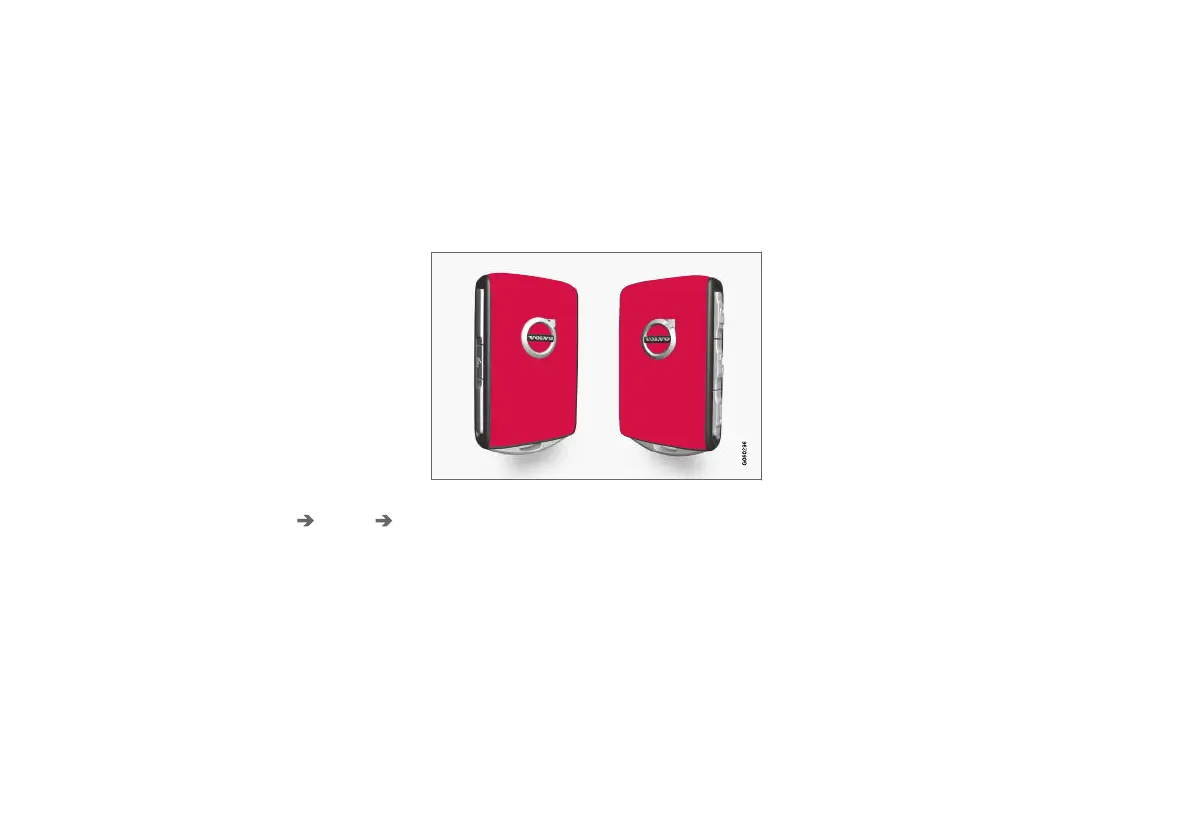
Red Key - restricted remote control
key*
A Red Key makes it possible for the car's owner
to set limitations for certain of the car's proper-
ties. The limitations are intended to encourage
the car to be driven in a safe manner, e.g. when
being loaned out.
For a Red Key, it is possible to define the car's
maximum speed, set speed reminders and deter-
mine the loudspeaker system's maximum volume.
In addition, some of the car's driver support sys-
tems will always be active. Other functions of the
key are the same as those of a normal remote
control key.
One or more Red Keys can be ordered from a
Volvo retailer. A total of eleven keys with restric-
tions can be programmed and used for a single
car - at least one must be a normal remote con-
trol key.
The restrictions are intended to act as measures
to reduce the risk of accidents, thereby making it
feel safer to hand over the car to e.g. young dri-
vers, valet parking or a workshop. The holder of a
Red Key cannot change settings defined for it –
a regular remote control key is required for this.
Related information
•
Red Key settings* (p. 227)
•
Remote control key (p. 217)



 To Next Page