DISPLAYS AND VOICE CONTROL
94
Handling a message saved from the
driver display
Whether saved from the driver display or the
centre display, messages are managed in the
centre display.
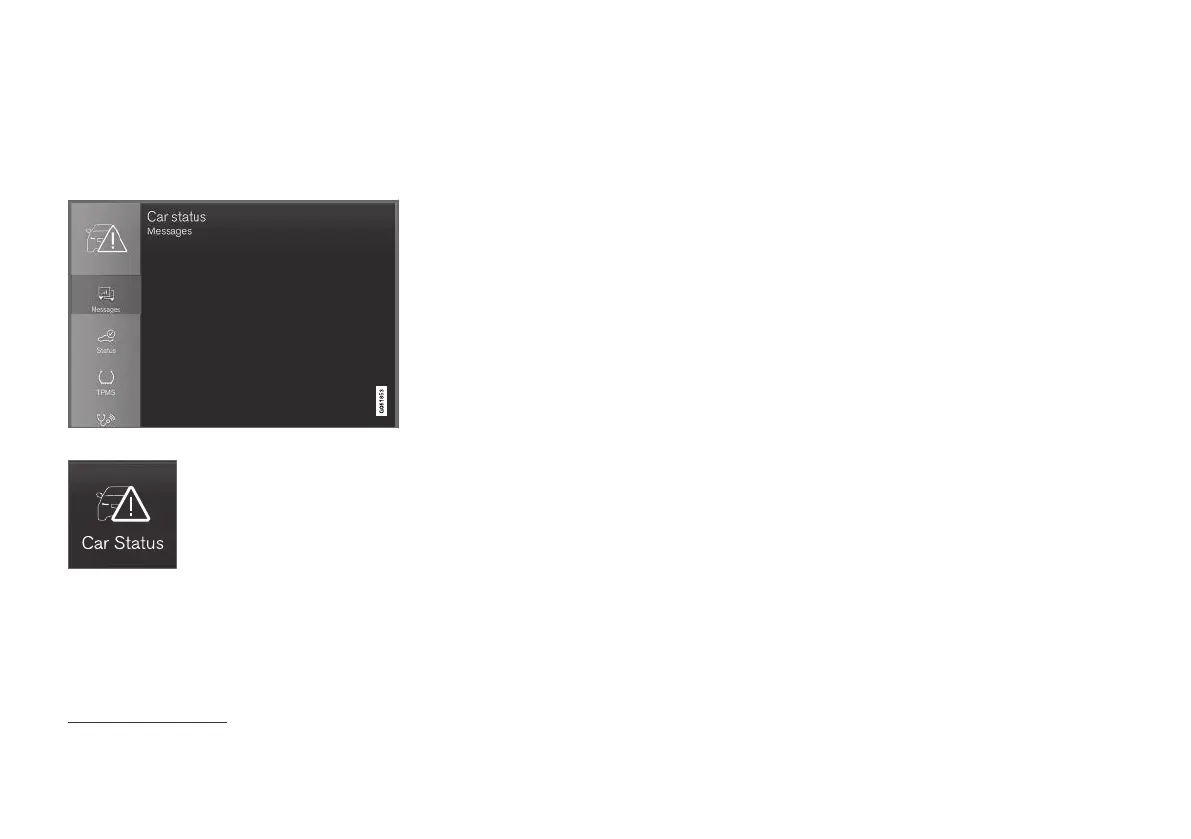
Saved messages can be seen in the Car Status app.
Messages that are shown in
the driver display and that need
to be saved are added in the
Car status app in the centre
display. The message Car
message stored in Car
Status application is shown
in the centre display in conjunction with this.
Reading a saved message
To read a saved message immediately:
–
Press the button to the right of the Car
message stored in Car Status
application message in the centre display.
>
The saved message is shown in the
Car
status app.
To read a saved message later:
1.
Open the
Car status app from the app view
in the centre display.
> The app is opened in the bottom tile of
the home view.
2.
Select the
Messages tab in the app.
> A list of saved messages is shown.
3. Tap on a message to expand/minimise.
> More information on the message is
shown in the list and the image to the left
in the app shows information about the
message graphically.
Managing a saved message
In maximised mode, some messages have two
buttons available to book service or read the
owner's manual.
To book service for a saved message:
–
In maximised mode for the message, press
Request appoint.Call to make
Appointment
8
for help in booking service.
>
With
Request appoint.: The
Appointments tab opens in the app and
creates a request to book service and
repair work.
With
Call to make Appointment: The
phone app is initiated and calls a service
centre to book service and repair work.
To read the owner's manual for a saved mes-
sage:
–
In maximised mode for the message, press
Owner's manual to read about the mes-
sage in the owner's manual.
> The owner's manual opens in the centre
display and shows information linked to
the message.
Saved messages in the app are deleted automat-
ically each time the engine is started.
Related information
•
Messages in the driver display (p. 91)
•
Managing messages in the driver display
(p. 93)
•
Message in centre display (p. 126)
8
Market dependent. Volvo ID and selected workshop also need to be registered.



 To Next Page