STARTING AND DRIVING
}}
* Option/accessory.
411
Neutral position - N
No gear is engaged and the engine can be
started. Apply the parking brake if the car is sta-
tionary with the gear selector in N position.
To be able to change from the neutral position to
another gear position, the brake pedal must be
depressed and the ignition position must be II.
Drive position - D
D is the normal driving position. Shifting up and
down takes place automatically based on the
level of acceleration and speed. The car must be
stationary when changing gear from R position to
D position.
Manual gearshift mode - M
The manual gearshift mode can be selected at
any time while driving. The car engine-brakes
when the accelerator pedal is released.
Select manual gear position by moving the gear
selector backwards from the D position. The
driver display shows which gear is engaged at the
time.
•
Press the gear selector to the right to "+"
(plus) to change up one step and release it.
•
Press the gear selector to the left to "–"
(minus) to change down one step and
release it.
•
Press the gear selector backwards to return
to the D position.
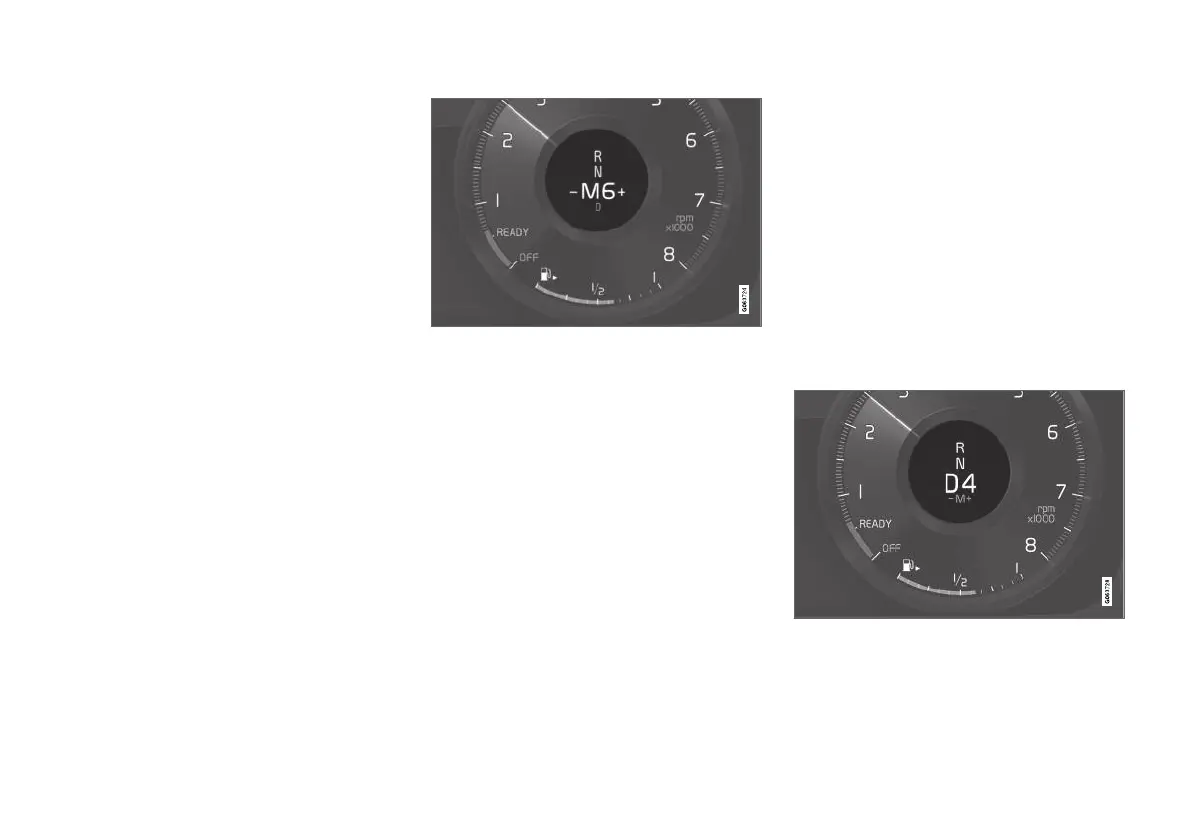
Manual gearshift mode in the driver display.
Related information
•
Gear selector inhibitor (p. 412)
•
Changing gear with steering wheel paddles*
(p. 411)
•
Kick-down function (p. 413)
•
Gear shift indicator* (p. 413)
Changing gear with steering wheel
paddles*
The steering wheel paddles are a complement
to the gear selector and make it possible to
change gear manually without releasing hands
from the steering wheel.
Activating the steering wheel paddles
To be able to change gear with the steering
wheel paddles they must first be activated:
–
Pull one of the paddles toward the steering
wheel.
> A figure in the driver display indicates cur-
rent gear.
Driver display when changing gear with steering wheel
paddles.
In gear position M the steering wheel paddles are
automatically activated.



 To Next Page