DISPLAYS AND VOICE CONTROL
81
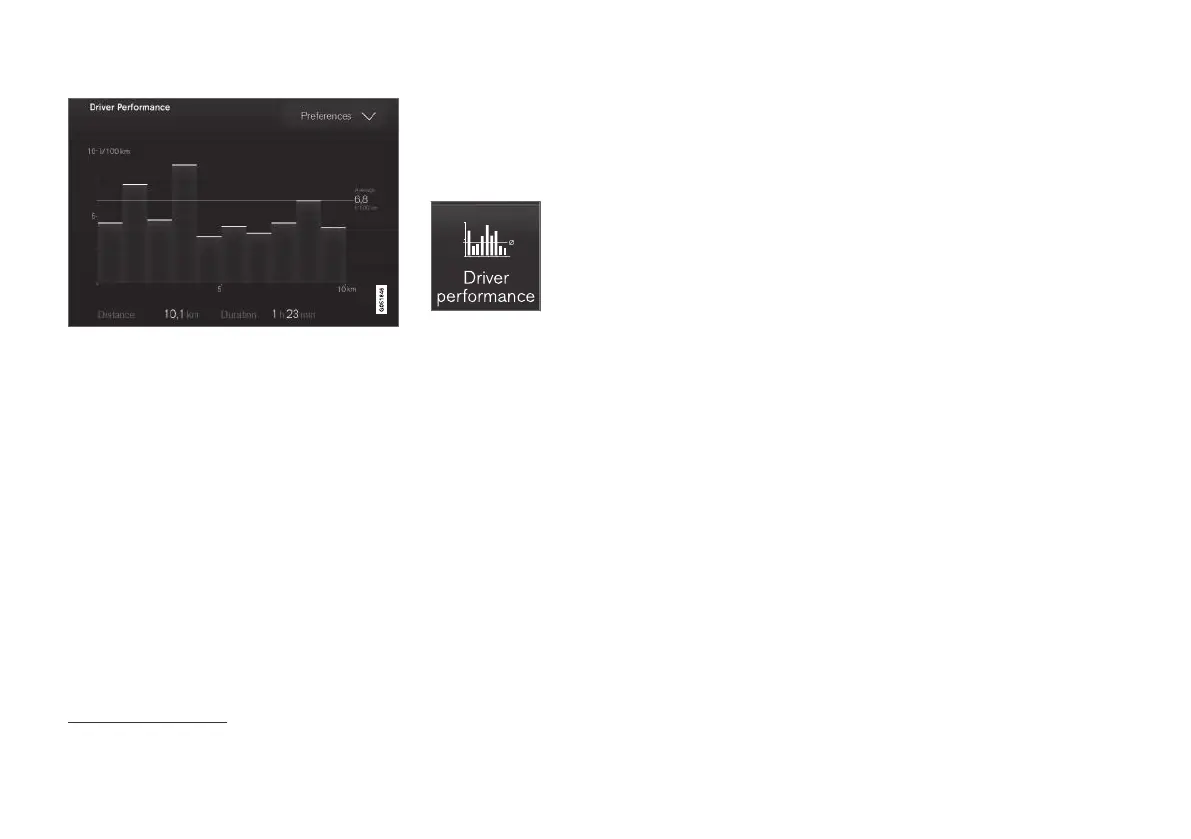
Trip statistics from the trip computer
3
.
Related information
•
Settings for trip statistics (p. 81)
•
Trip computer (p. 78)
Settings for trip statistics
Reset or adjust settings for trip statistics.
1.
Open the
Driver performance app in app
view in order to show the trip statistics.
2.
Press
Preferences to
•
change graph scale. Select resolution 1,
10 or 100 km/miles for the bar.
•
reset data after every trip. Performed
when the car has been stationary for more
than 4 hours.
•
reset data for the current trip.
Trip statistics, calculated average consump-
tion and total driving time are always reset
simultaneously.
Units for distance, speed, etc. can be changed via
system settings in the centre display.
Related information
•
Show trip statistics in the centre display
(p. 80)
•
Trip computer (p. 78)
•
Resetting the trip meter (p. 80)
3
The figure is schematic - parts may vary depending on car model.



 To Next Page