SOUND, MEDIA AND INTERNET
* Option/accessory.
474
Link between FM and digital radio*
The function enables the digital radio (DAB) to
switch from a channel with poor or no reception
to the same channel in another channel group
(ensemble) with better reception, within DAB
and/or between DAB and FM.
DAB to DAB and DAB to FM linking
1.
Press
Settings in the top view.
2. Press Media DAB.
3.
Tick/untick
DAB To DAB Handover and/or
DAB To FM Handover in order to activate/
deactivate the respective functions.
Related information
•
Digital radio* (p. 473)
•
Radio (p. 468)
•
Settings for radio (p. 471)
Media player
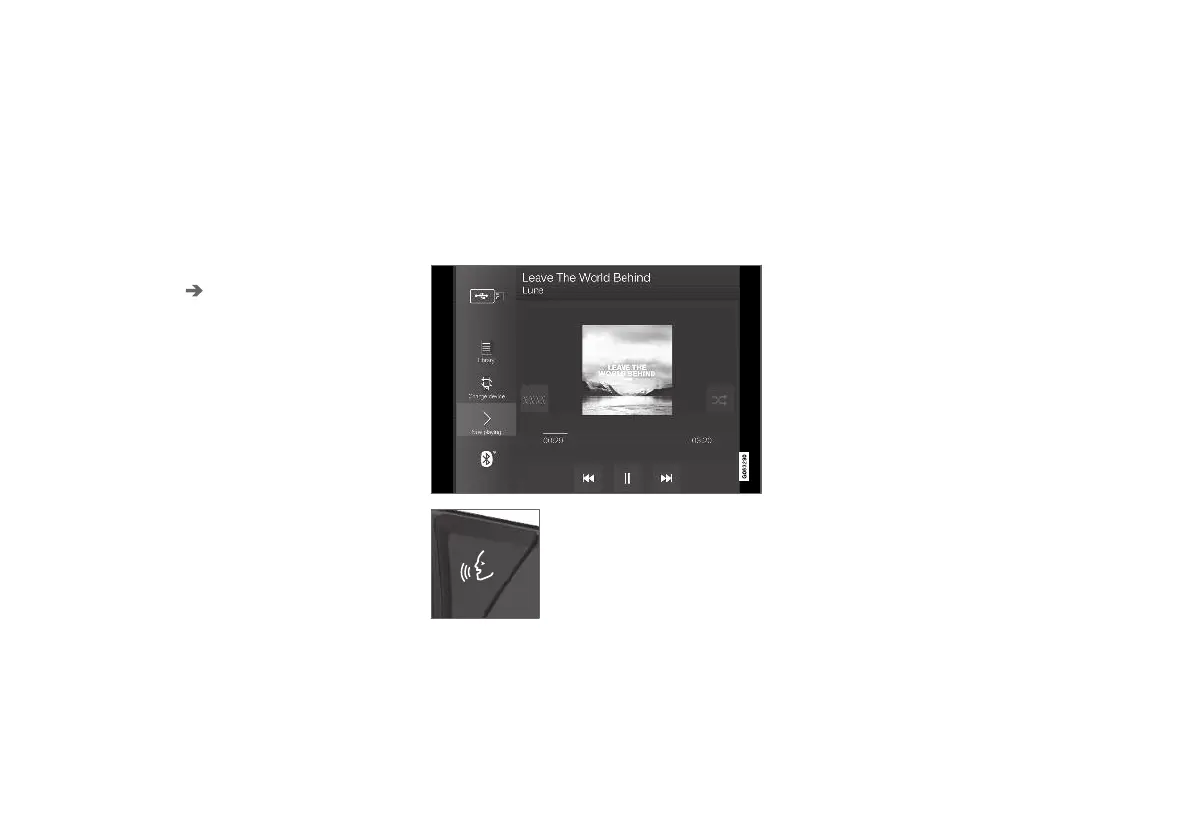
The media player can play back audio from
external audio sources connected via the USB
port or Bluetooth. It can also play back video for-
mat via the USB port.
When the car is connected to the internet, it is
also possible to listen to web radio, audio books
and music services via apps.
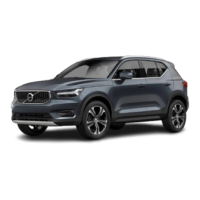
The media player is operated
from the centre display, but
several functions can be oper-
ated using the steering wheel's
right-hand keypad or voice con-
trol.
The radio is operated in the media player and is
described in a separate section.
Related information
•
Media playback (p. 475)
•
Controlling and changing media (p. 476)
•
Searching media (p. 477)
•
Apps (p. 465)
•
Radio (p. 468)
•
Video (p. 478)
•
Media via Bluetooth
®
(p. 480)
•
Media via USB port (p. 480)
•
Internet-connected car* (p. 498)


 To Next Page