||
STARTING AND DRIVING
438
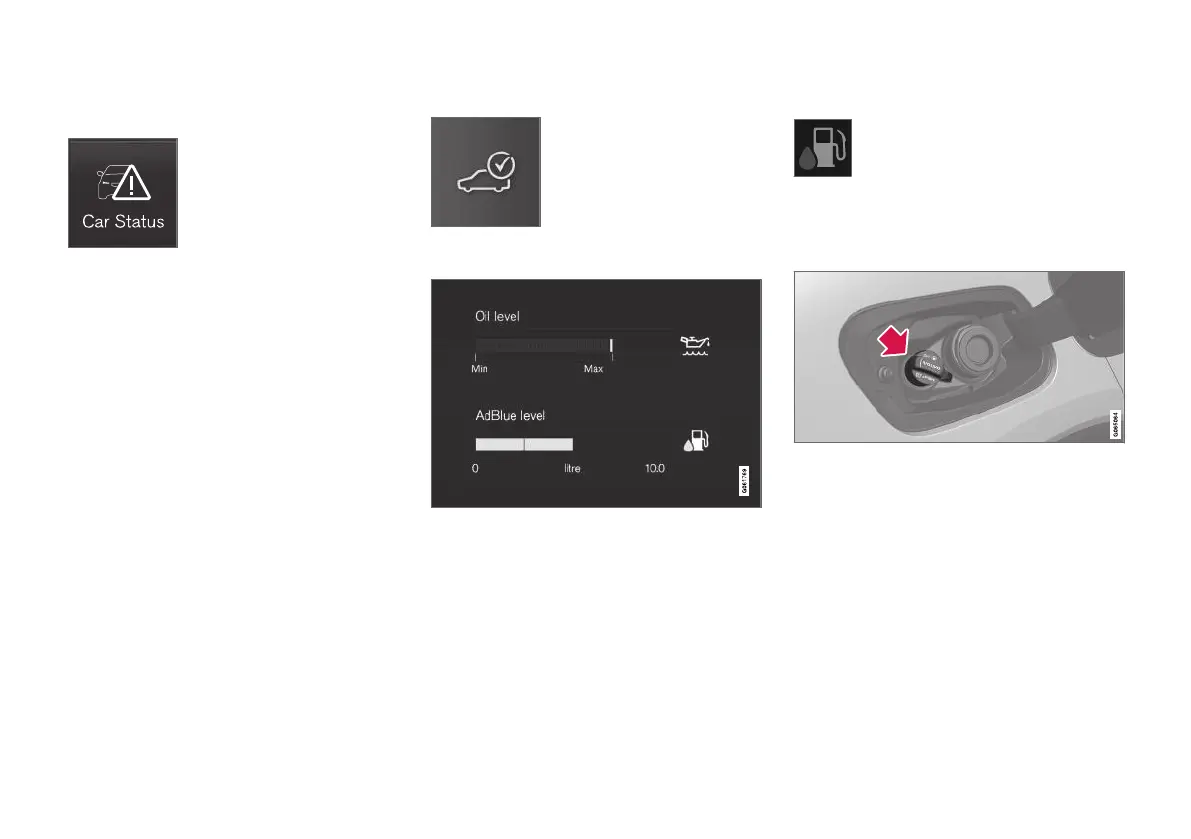
Checking AdBlue level
1.
Open the Car status app in the app view.
2.
Press Status to show the AdBlue level.
Graphic for AdBlue level in the centre display.
Each cursor represents approx. 25% of a full
tank.
When less than 25 % of the tank remains
available, the colour of the remaining cursor
changes to amber, and at less than 10 % it
turns red.
Filling
When the AdBlue level starts to
become low, a symbol illuminates in
the driver display and the
AdBlue
level low message is shown.
1. Open the fuel filler flap with a gentle press
on the rear of the flap.
2.
Open the blue cover for the smaller filler pipe
intended for AdBlue.



 To Next Page