||
DISPLAYS AND VOICE CONTROL
96
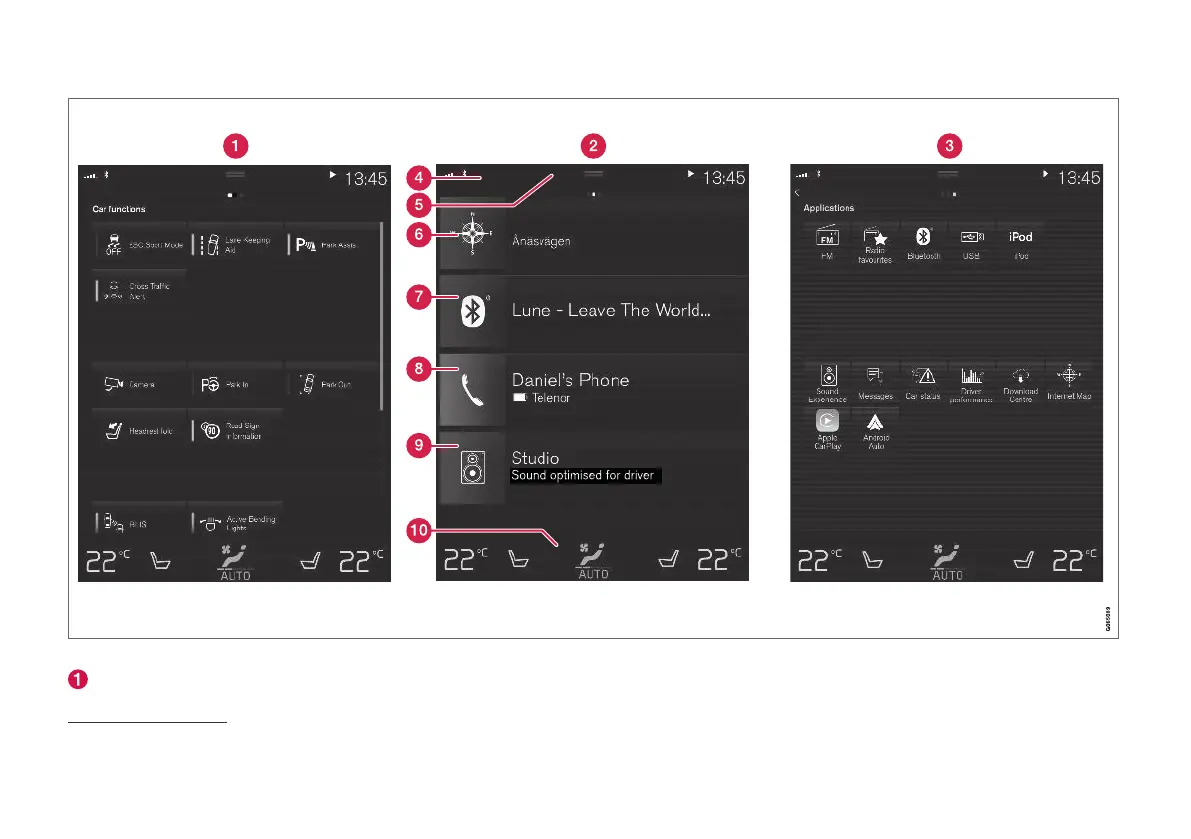
Three of the centre display's basic views. Swipe right or left to access the function or app view respectively
9
.
Function view - car functions that are acti-
vated or deactivated with a press. Certain
functions are also so-called trigger functions,
which means they open a window with set-
9
The views are reversed for right-hand drive cars.



 To Next Page