Operator Manual / 8. Training module
112
3.
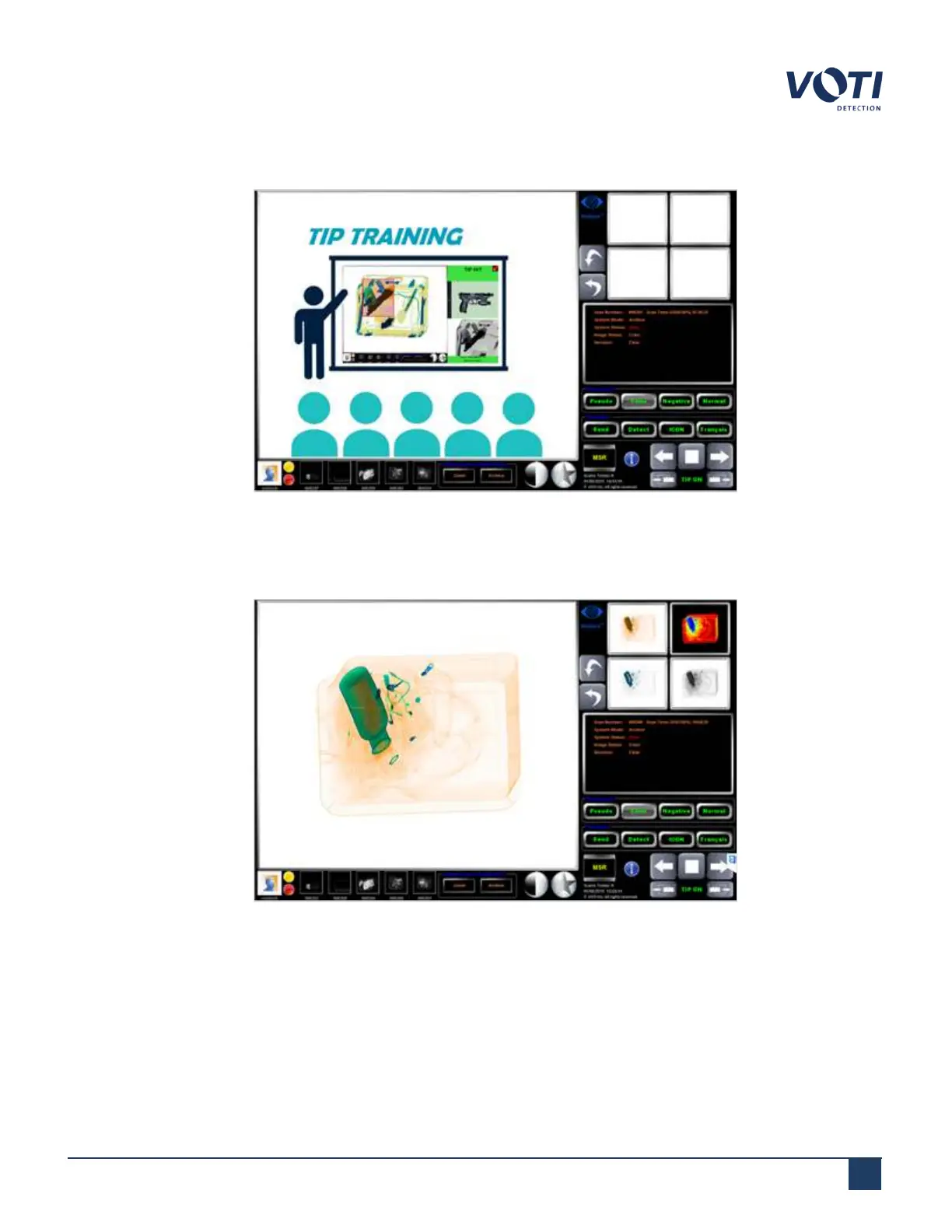
The TIP Operator Training mode begins. Press the forward arrow to start the training.
Figure 104 - Starting TIPOperator Training
4.
Once a scan appears on the screen, you can either clear the scan by pressing the forward button again or
pressing MSR if you suspect a threat.
Figure 105 - Suspected Threat
© VOTI2020 / 900116-001



 To Next Page