Operator Manual / 4. Interface
50
4.6.3 Negative
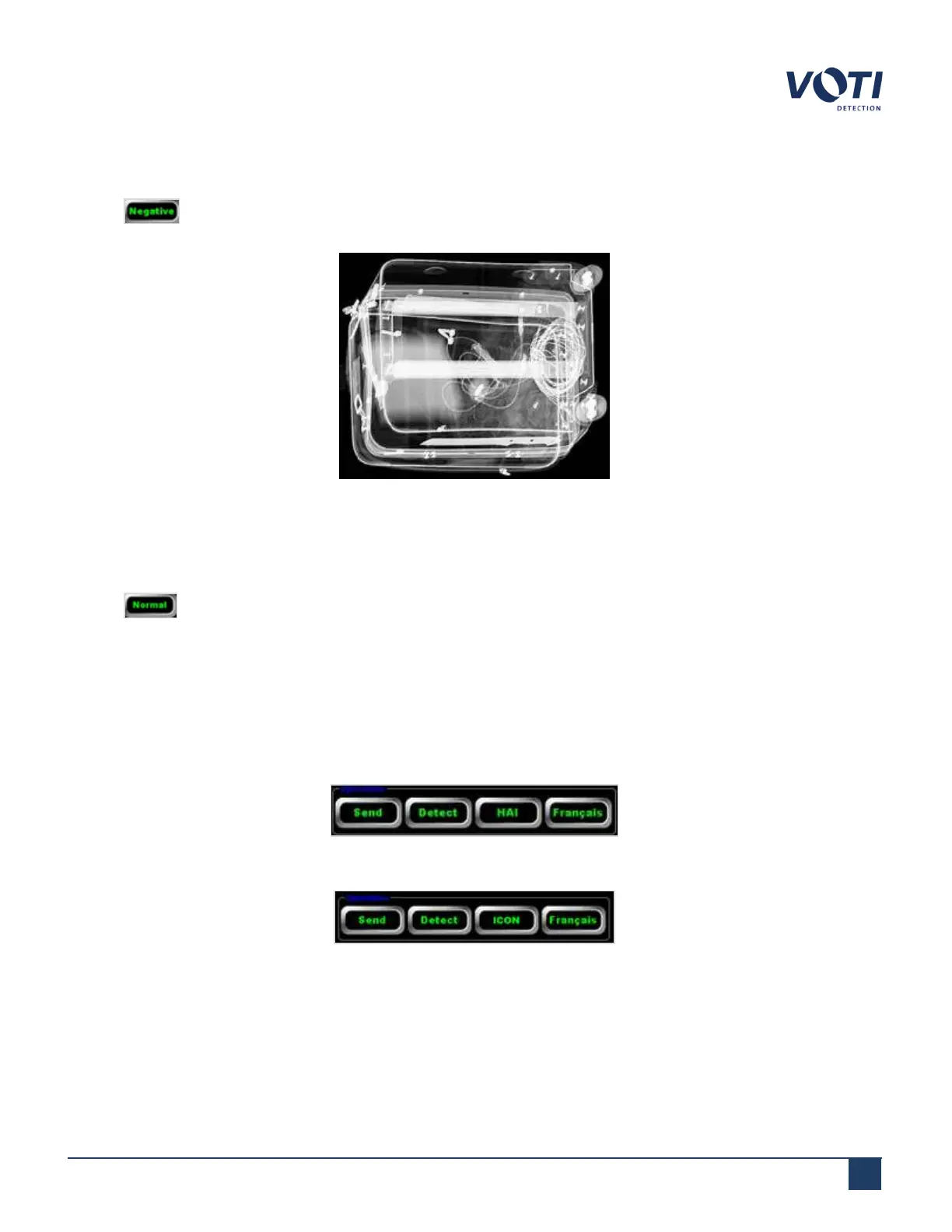
Clicking sets the software to inverse video mode. The background appears black and the scanned item’s
image appears lighter; the thicker and denser objects appear lighter.
Figure 35 - Example of Negative View
4.6.4 Normal
Clicking exits a Zoom, Pan, or Flip operation and returns the image view in the Main Viewing Area to its
original scanned size and orientation. The image displays in the default mode set in the General Settings section of
the administration module.
4.7 Operations buttons
The Operations buttons trigger the software to automatically perform pre-programmed functions:
Figure 36 - Operations Buttons with HAI (Optional)
Figure 37 - Operations Buttons with ICON(Default)
© VOTI2020 / 900116-001



 To Next Page