Operator Manual / 5. Conducting a scan
55
5.1 Logging in as an operator
To log in to the system as an operator:
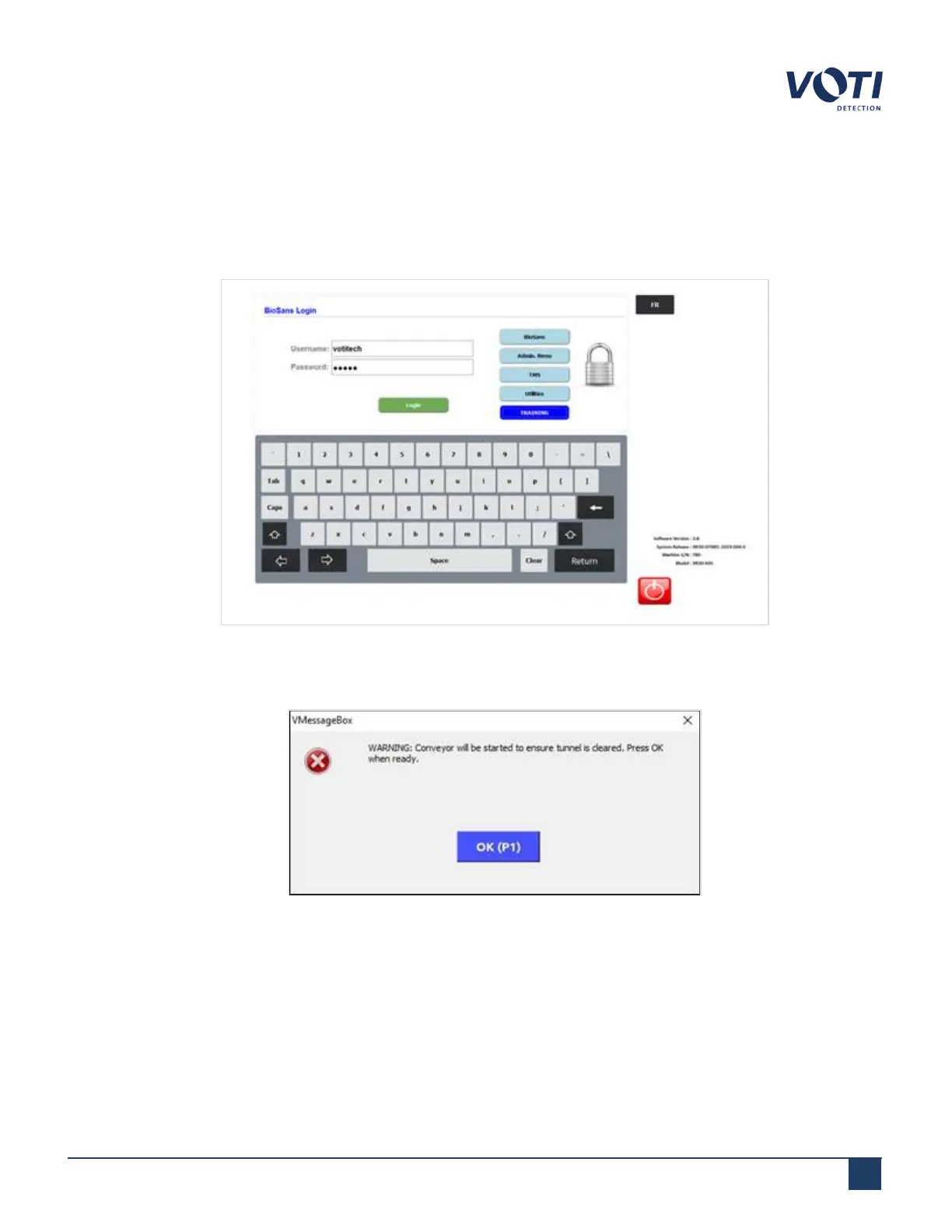
1. Enter an operator username and password, click BioSans in the permission area, and click Login.
Figure 42 - BioSans™ Login Menu - Log in as an Operator
2. Click OK on both system initialization messages.
Figure 43 - System Initialization - Conveyor Belt
© VOTI2020 / 900116-001



 To Next Page