Operator Manual / 6. Administration module
71
6.3 User Management
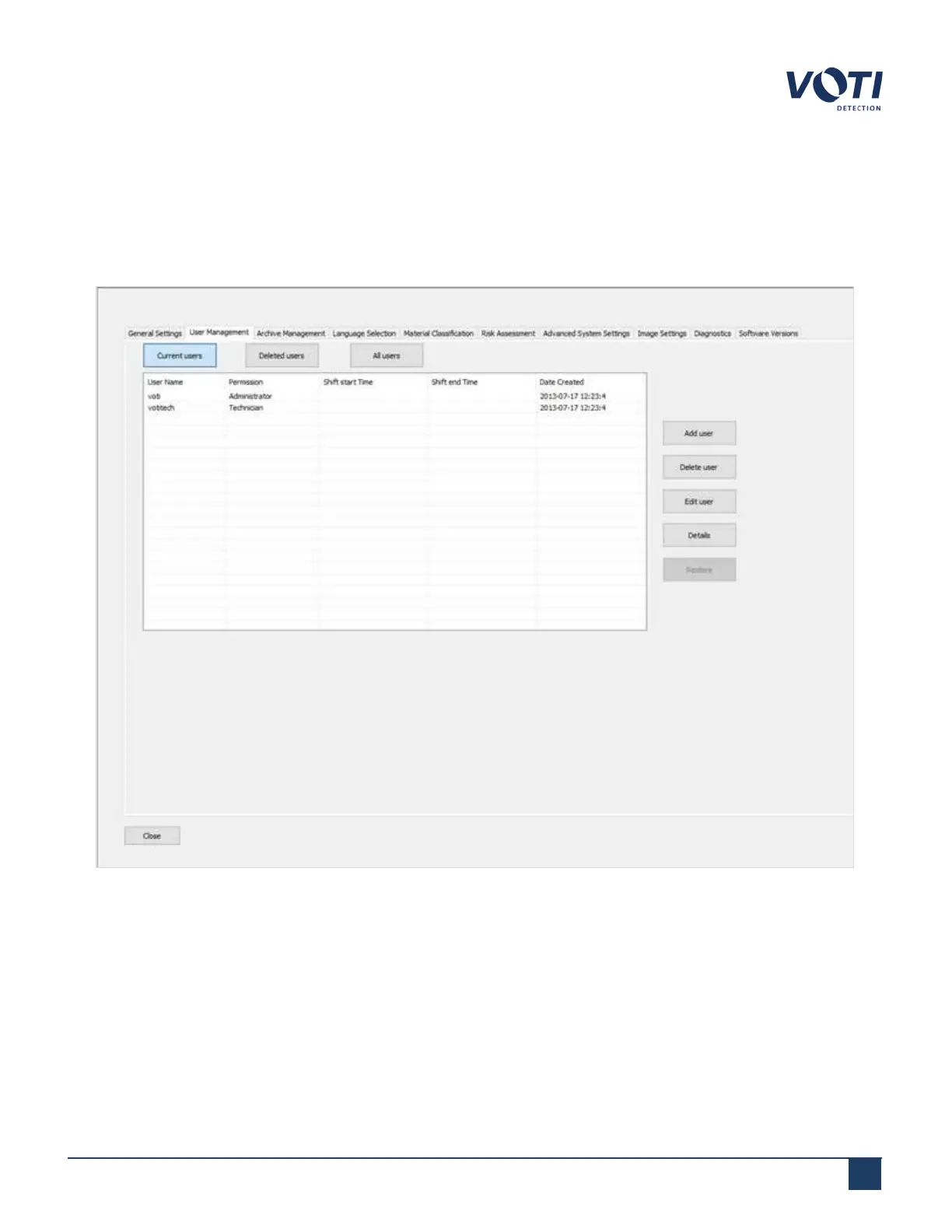
Clicking on the User Management tab displays the list of current users stored in the database of the unit. Selecting
Current users, Deleted users, or All users changes the list of the users to display only the current users, deleted
users, or a historical list of any user that has been entered into the system.
Figure 59 - Admin Menu - User Management
© VOTI2020 / 900116-001



 To Next Page