Operator Manual / 6. Administration module
68
6.2 General Settings
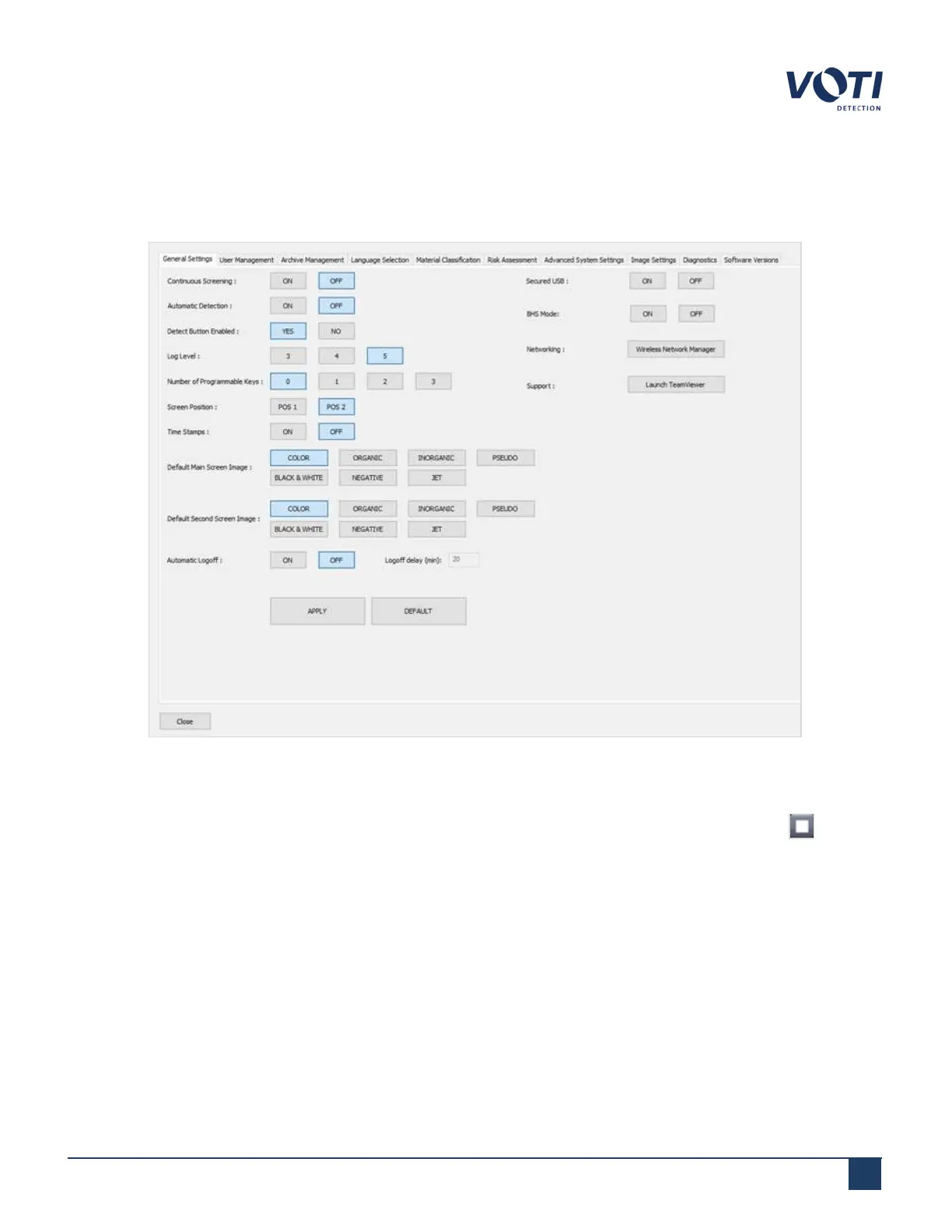
General Settings sets the default state of the scanner for an operator.
Figure 58 - Admin Menu - General Settings
l
Selecting Continuous Screening ON changes the operational mode of the scanner so an operator can
continuously feed items into the scanner. The conveyor will not stop until the operator clicks Stop .
l
Selecting Automatic Detection ON changes the operational mode of the scanner so that potential threats
are identified without the operator needing to press the Detect button.
l
Log Level parameters are used by support.
l
Number of Programmable Keys are keys that can be assigned to shortcuts. For example, you could choose
to assign the P1 button to any feature, such as zoom or atomic number. The system supports up to five
programmable keys, but each assigned key replaces a thumbnail dedicated to one of the last five archived
© VOTI2020 / 900116-001



 To Next Page