Operator Manual / 6. Administration module
94
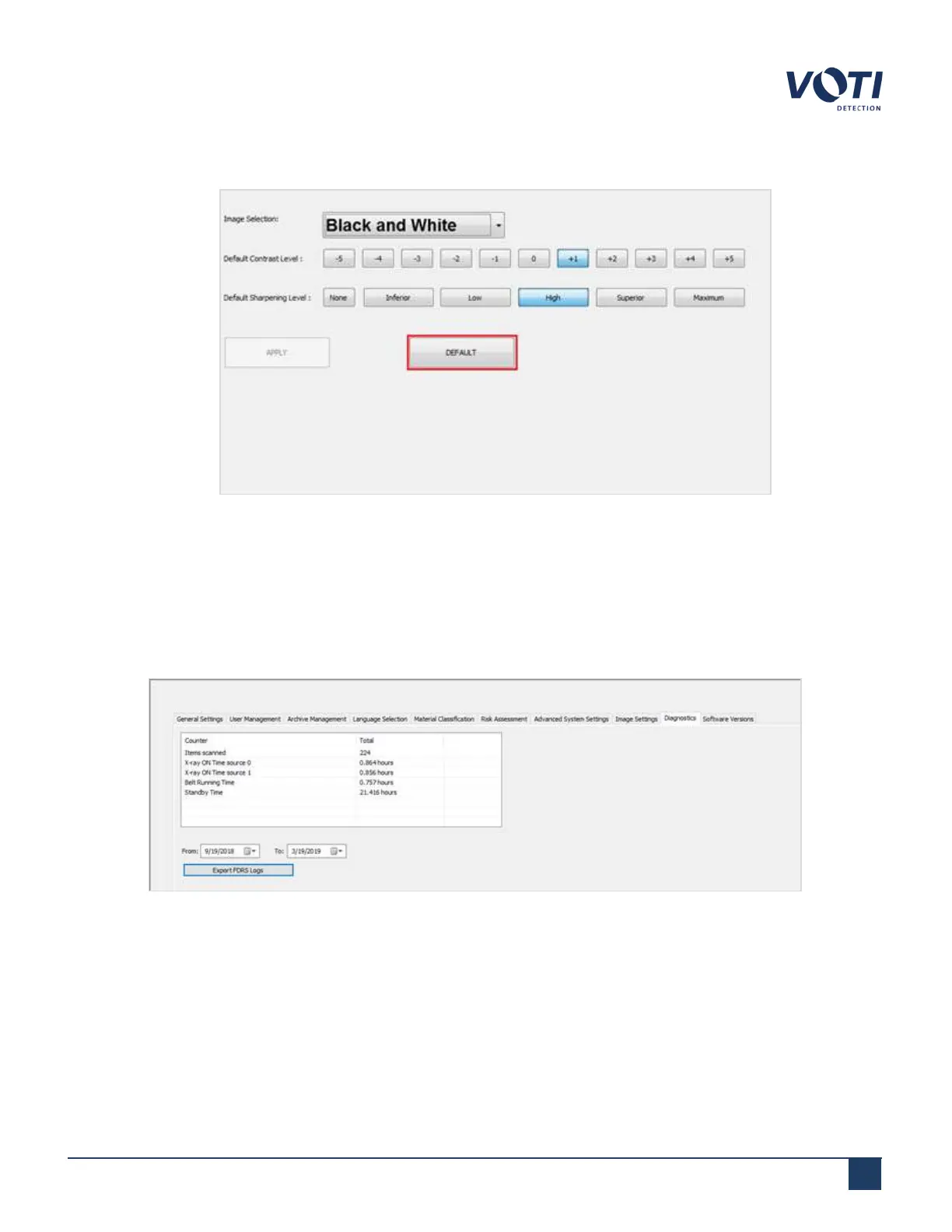
4. To restore the factory settings, click DEFAULT and then APPLY.
Figure 89 - Image Settings - Default Contrast and Sharpening Levels
6.10 Diagnostics
The Diagnostics tab contains FDRS (Field Data Reporting System) logs, which can be exported using the Export
FDRS Logs button.
Figure 90 - Admin Menu - Diagnostics - FDRS
© VOTI2020 / 900116-001



 To Next Page