Operator Manual / 4. Interface
43
4.4 Change system status/mode
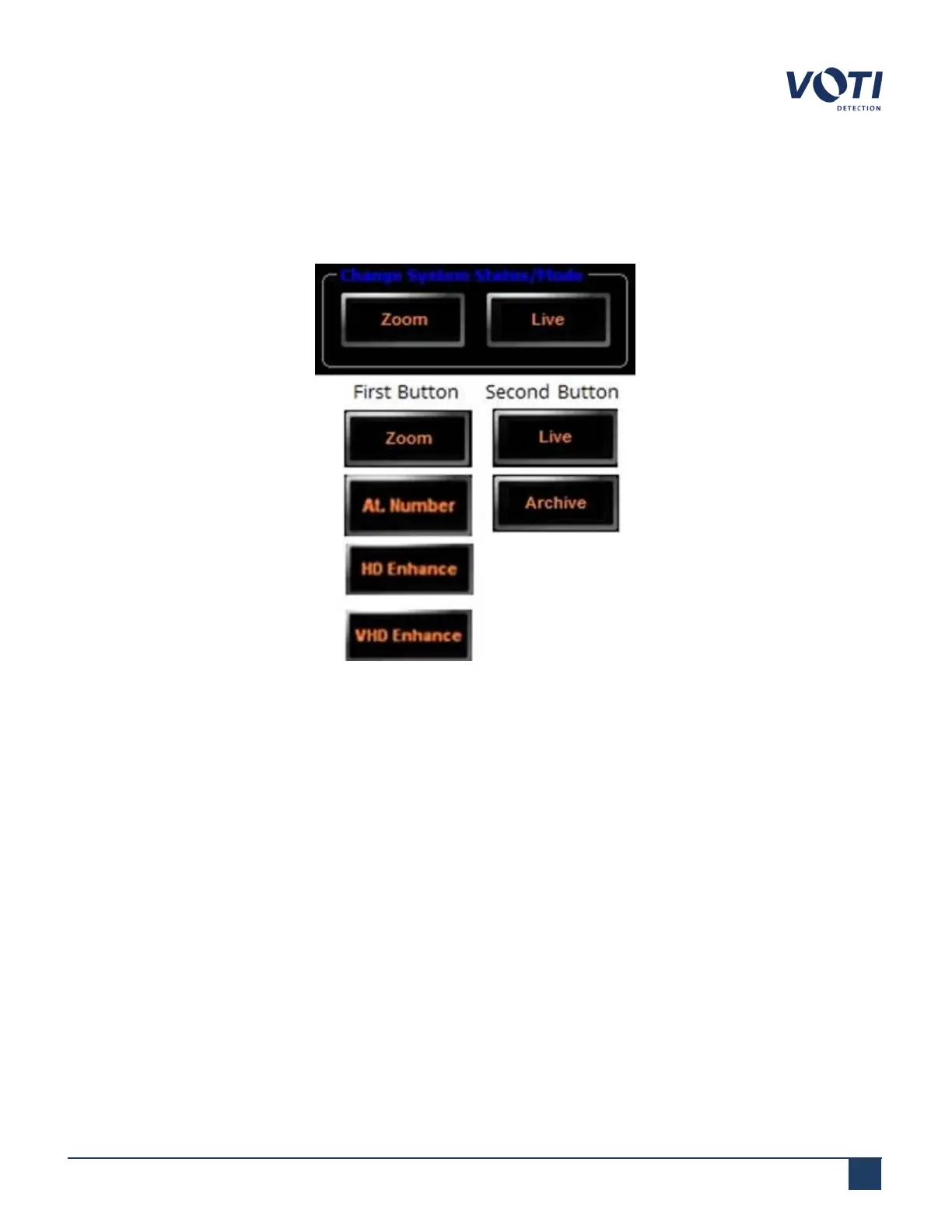
There are two buttons in the Change System Status/Mode pane located at the bottom of the screen. The buttons
perform multiple functions.
Figure 23 - Change System Status/Mode Buttons
Clicking the buttons toggles through a predefined selection of functions.
1. The first button set toggles between Zoom, At. Number (Atomic Number), HD Enhance (High Density
Enhance), and VHD Enhance (Very High Density Enhance) modes.
2. The second button set toggles between Live and Archive modes.
4.4.1 Archive and Live
The Archive and Live button toggles between Archive and Live modes. Live mode is used to generate X-rays and
run the conveyor belt. Archive mode allows the operator to view previously scanned items. The current mode is
displayed in the System & Operator Messages area under System Mode, as well as on the button itself.
© VOTI2020 / 900116-001



 To Next Page