Operator Manual / 4. Interface
44
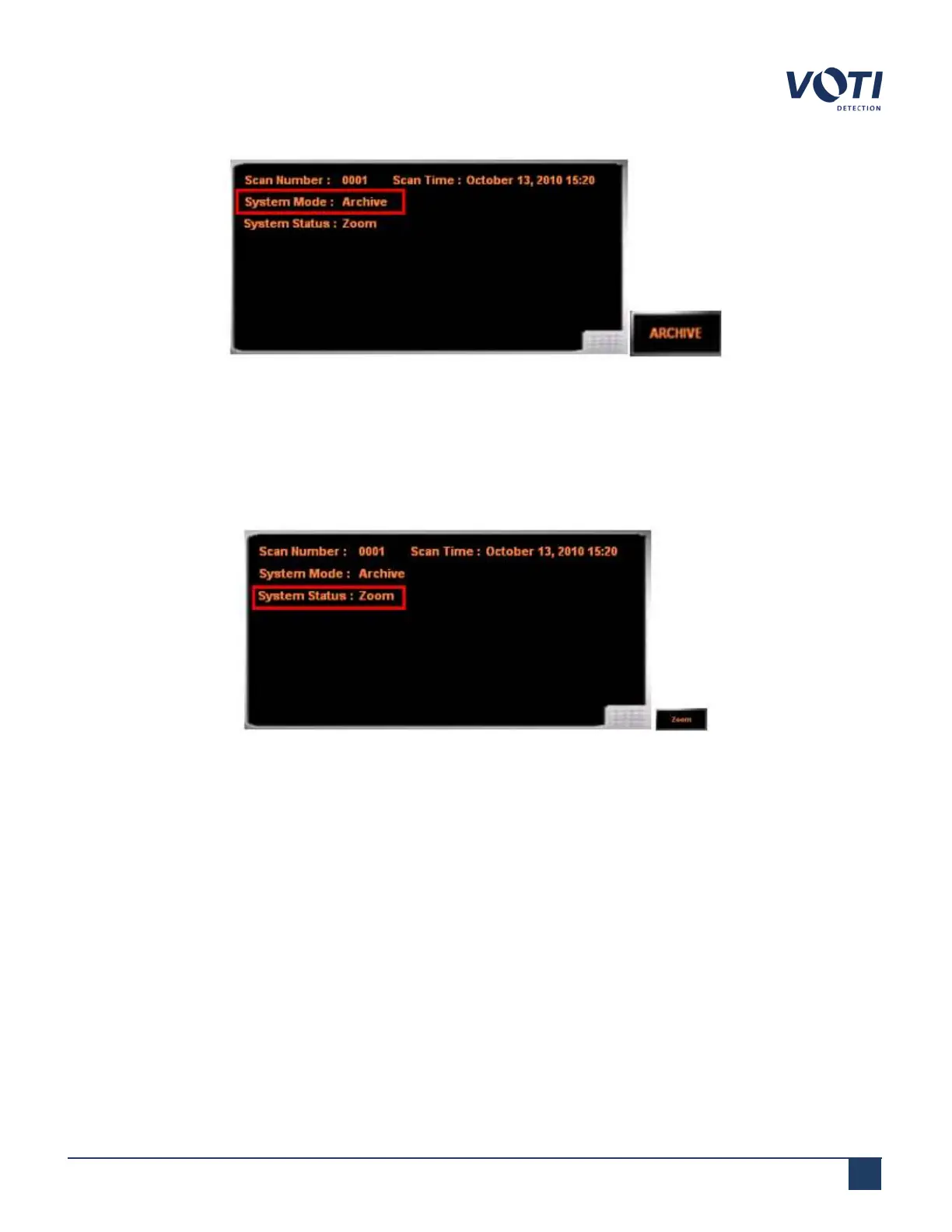
Figure 24 - System Mode Set to Archive
4.4.2 Zoom
By default, the system is in the zoom-capable mode and can zoom up to 64X magnification. The Zoom button will
display the magnification level of the image.
Figure 25 - System Status Set to Zoom
To zoom on a scanned image:
1. If needed, click the button in the Change System Status/Mode pane until it displays the word Zoom on the
button.
2.
Move the cursor in the main viewing screen over the scanned image.
3.
Move the cursor upwards in a diagonal sweep (up movement) while maintaining pressure on the touchscreen.
The software magnifies the image 2X for each cursor movement, centered on the midpoint of the line drawn on
the screen.
4.
To zoom out, drag the cursor down in a diagonal line (down movement).
© VOTI2020 / 900116-001



 To Next Page