Operator Manual / 4. Interface
45
Clicking the Normal button or changing the mode of the Zoom button to another mode exits Zoom mode and
resets the image to its default size.
4.4.3 Pan
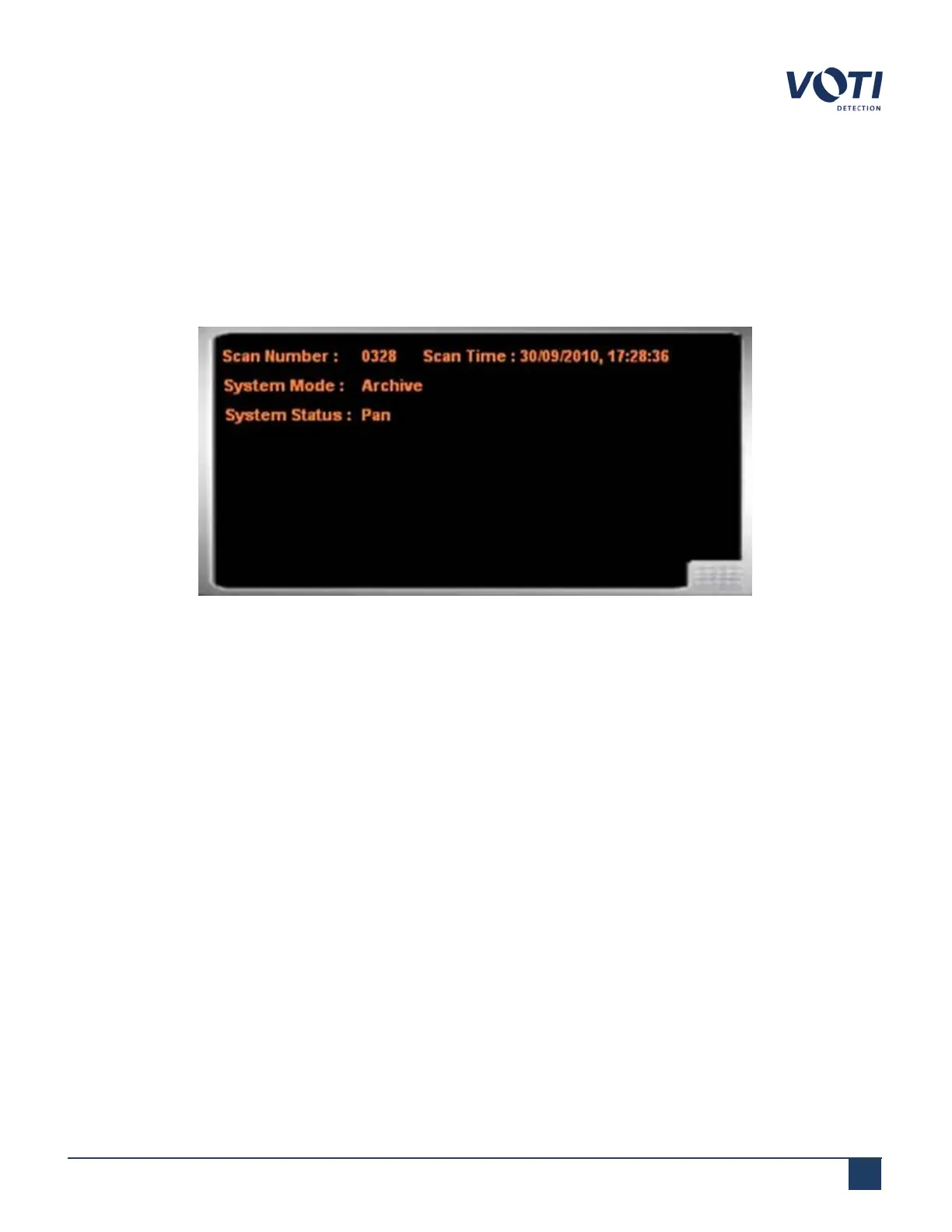
Panning allows you to move the image around the screen and is available only after a Zoom operation. The System
and Operator Messages pane displays Pan.
Figure 26 - System Status Set to Pan
To pan over the scanned image:
1. Enter Zoom mode.
2.
Double-click on the scanned image.
3.
Drag the open-hand cursor to move the image in that direction.
4.4.4 At. Number
Used mostly during calibration procedures, the At. Number button displays the atomic number of the selected area
or pixel. BioSans™ can help detect materials such as explosives and sharp objects. It does this by identifying objects
using their atomic number and differentiating between organic and inorganic material.
© VOTI2020 / 900116-001



 To Next Page