Operator Manual / 5. Conducting a scan
57
5.2 Scanning an object
To scan an object:
1.
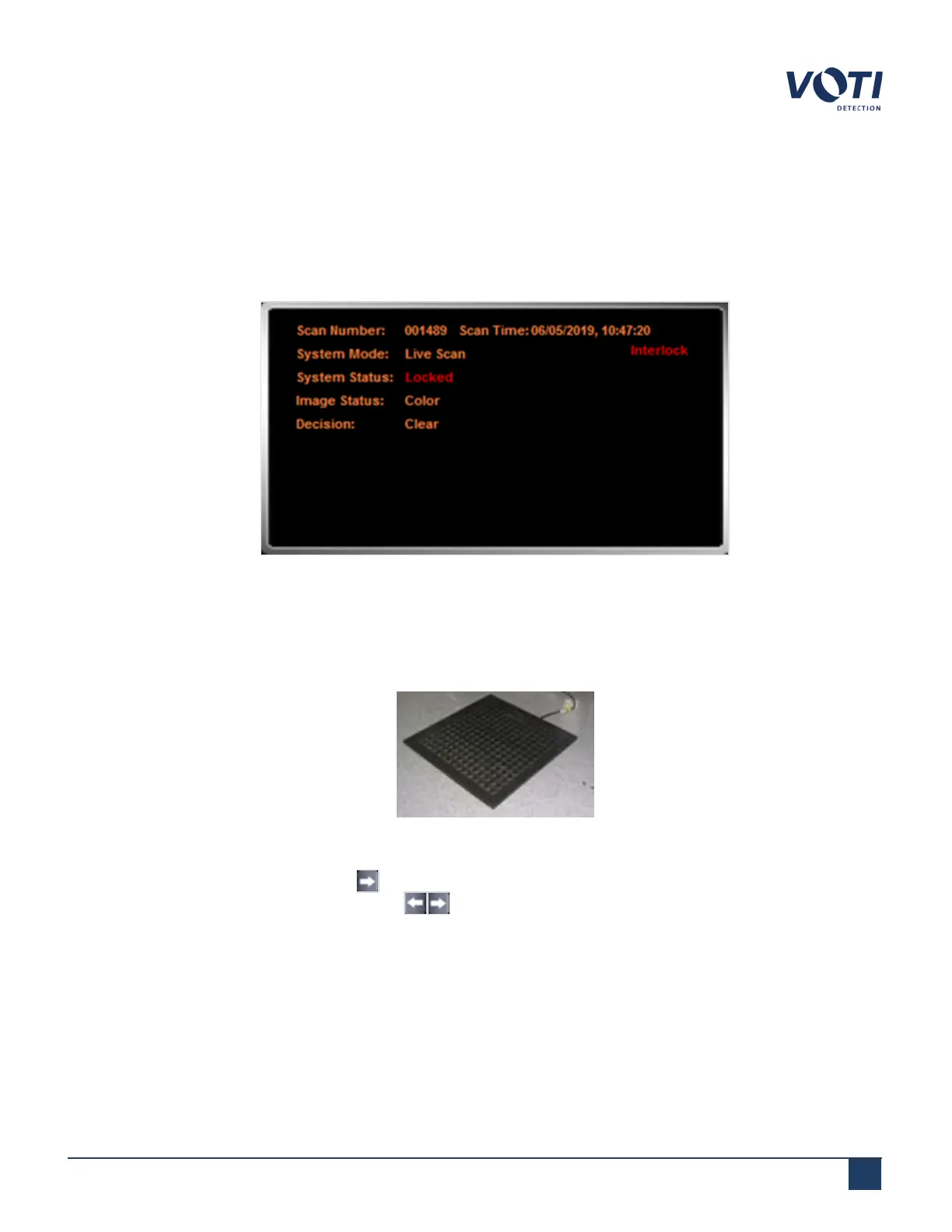
Check that there are no messages in the System & Operator Messages pane. For example, a message indicating
the access panel doors are open prevents a scan from being performed.
Figure 46 - System Status - Locked - Interlock
2.
Set an item in the tray on the conveyor belt at the tunnel entrance.
3.
(Optional) Step on the pressure-sensitive mat. The X-ray generator will only function if there is pressure on the
mat. The interlock indicator displays on the monitor if no one is on the mat.
Figure 47 - Floor Mat - Optional
4.
Click and release the forward arrow on the screen to start the conveyor. The conveyor can be run in either
direction by touching the direction arrows .
5.
After the item moves into the tunnel of the X-ray scanner, the moving item triggers a photosensor (emitter and
receiver) located inside the protective curtains. As the item moves past the photosensor, the X-ray generator
starts.
© VOTI2020 / 900116-001



 To Next Page